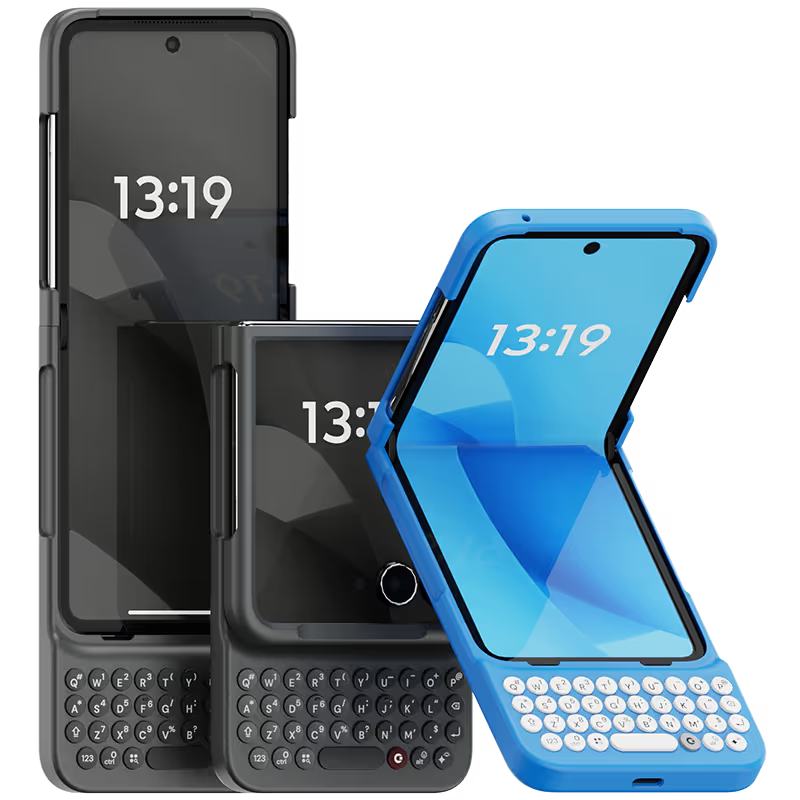
Why you'll love Clicks.

1
Feel satisfying real buttons
Pressing real buttons and hearing that little clicking sound feels more natural and rewarding.
Replay
2
Elevated premium protection
Brushed metal side keys, a microfibre lining, and a new enclosure that feels great while adding protection inside and out.
Replay
3
See more screen
Free your screen, with 50% more usable display to work, play, surf, chat and engage with your content.
Replay
4
Take action, faster
Launch customized shortcuts at the push of a button. Personalize your keyboard to control your home, launch apps, text or call contacts.
Replay
5
Keep your laptop at home
Make more happen right from your phone without needing to crack open your laptop.
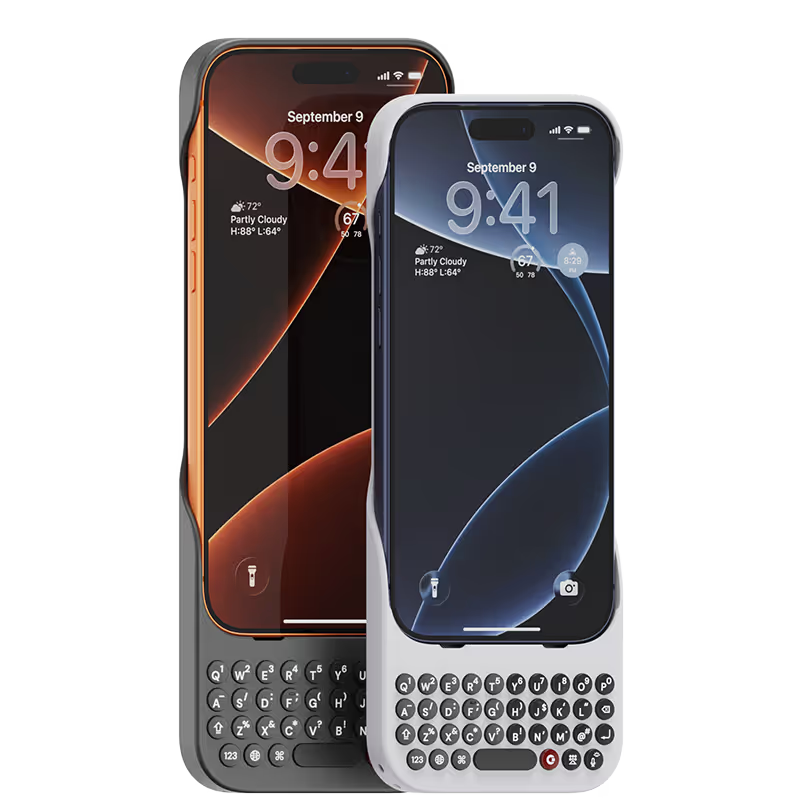
Clicks for iPhone
Available for iPhone 17, 16, 15 and 14.
In stock & shipping now.
Buy Now
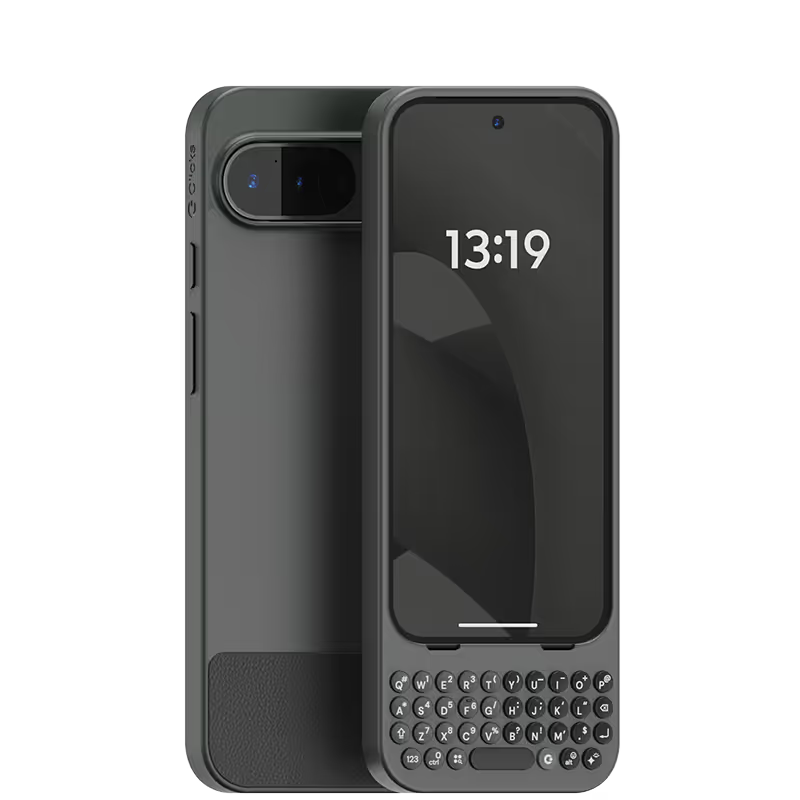
Clicks for Pixel
Pixel-perfect productivity.
Available now.
Buy Now
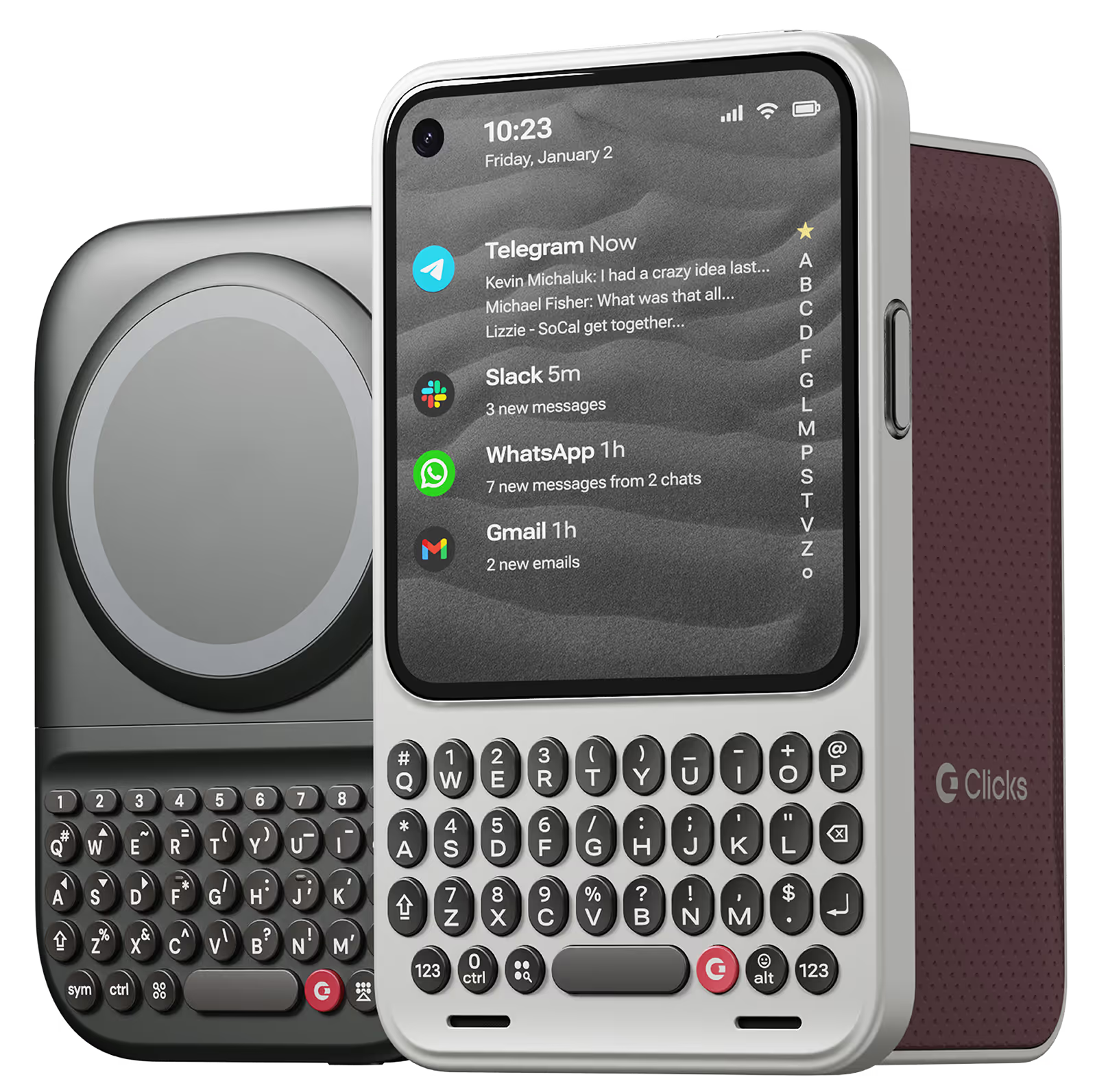
Clicks for Razr
Pocket-sized. Power-packed.
Available now.
Buy Now

Buttons with benefits.

More Screen

Get 50% more usable display to work, play, surf, chat and engage with your content.

Customizable Shortcuts

Launch custom actions at the push of a button.

Powerful Productivity

Real buttons that help you work smarter while away from your desk.

What Clicks users are saying.

Based on 5,328 user reviews.
Cyril V.
Clicks for iPhone 15 Pro

superbe coque ultra pratique. Je la recommande

Visit source
HAIRIL D
Clicks Keyboard for iPhone 16

I love design and most important is…. I love typing on the actual keyboard. 🤭🤩😃

Visit source
Brent B.
Clicks for iPhone 15

If you are on your phone a bunch each day for work, you need this. Built great. I can send messages faster with this case. Zero complaints! Love it.

Visit source
Neill Young
Clicks Keyboard for Pixel 9/9 Pro

I am enjoying my new Clicks keyboard. It reminds me fondly of my Blackberries of yore and yet provides a tonne of functionality to my Pixel device. Build quality is excellent and the clicking of the buttons is very satisfying.

Visit source
BEN LIEW
Clicks Keyboard for iPhone 16

The keyboard is really compact with high quality build. Highly recommended for focussed typing.

Visit source
Aaron George
Clicks Keyboard for iPhone 16

I love all the upgrades they made to this keyboard over previous models!

Visit source
Bora Lee
Clicks Keyboard for iPhone 17

It's great to use such a great product! Thank you.

Visit source
Jose F.
Clicks for iPhone 15

Hello everyone, I would like to share my opinion on the use of the review for the super good Clicks cover. Honestly, the personal follow-up that you have had for all of us who have purchased the product is a great decision. Thank you very much for that. Also, the website sent for practicing writing is also very good for improving typing." Kudos to All for this product and all the follow ups.

Visit source
Luis Guerrero
Clicks Keyboard for iPhone 17

Missed the physical keys, im glad clicks was able to deliver such a premium product for us old blackberry users 🔥

Visit source
Baruch Lundy
Clicks Keyboard for Pixel 9/9 Pro

Clicks has finally made me upgrade from my BlackBerry Key 2..... The keyboard is *almost* as good as a BlackBerry, and combined with the "cursor" mode and shortcuts, there is nothing you can't do with Clicks (in fact, "cursor mode" on Clicks is faster and more reliable than double-tapping on the Key 2). The buttons are sloped, allowing fast typing and "no-look" typing... Finally, I can type with precision and speed on a new phone. There are several shortcuts built in, but if you download the Blackberry Launcher, you will have one-button shortcuts for any app you desire... Clicks truly has made having a physical keyboard possible in a post-Blackberry world. This is a must-have if you like to type accurately and fast on your phone without needing to go to a laptop. Clicks easily snaps off, but I never remove it as typing on glass is awful... The only issue with Clicks is finding a phone holster tall enough to fit the Pixel 9 Pro + Clicks......... (Typed on the glorious Clicks keyboard, of course)

Visit source

Clicks has you covered.
Try for 30 days.

It takes a week or two to get used to typing on real buttons –  you’ll need a little bit of patience and perseverance. Trust our tens of thousands of customers, it’s so worth it!

If it’s just not for you, we’ll give you your money back, no questions asked.