Black Friday ends soon! Save up to 63%!
Shop now
Select your iPhone 17 model.
Select iPhone model & color.
iPhone 17 Pro
$139
Price
iPhone 17 Pro Max
$139
Price
iPhone 17
$139
Price
Select your color.
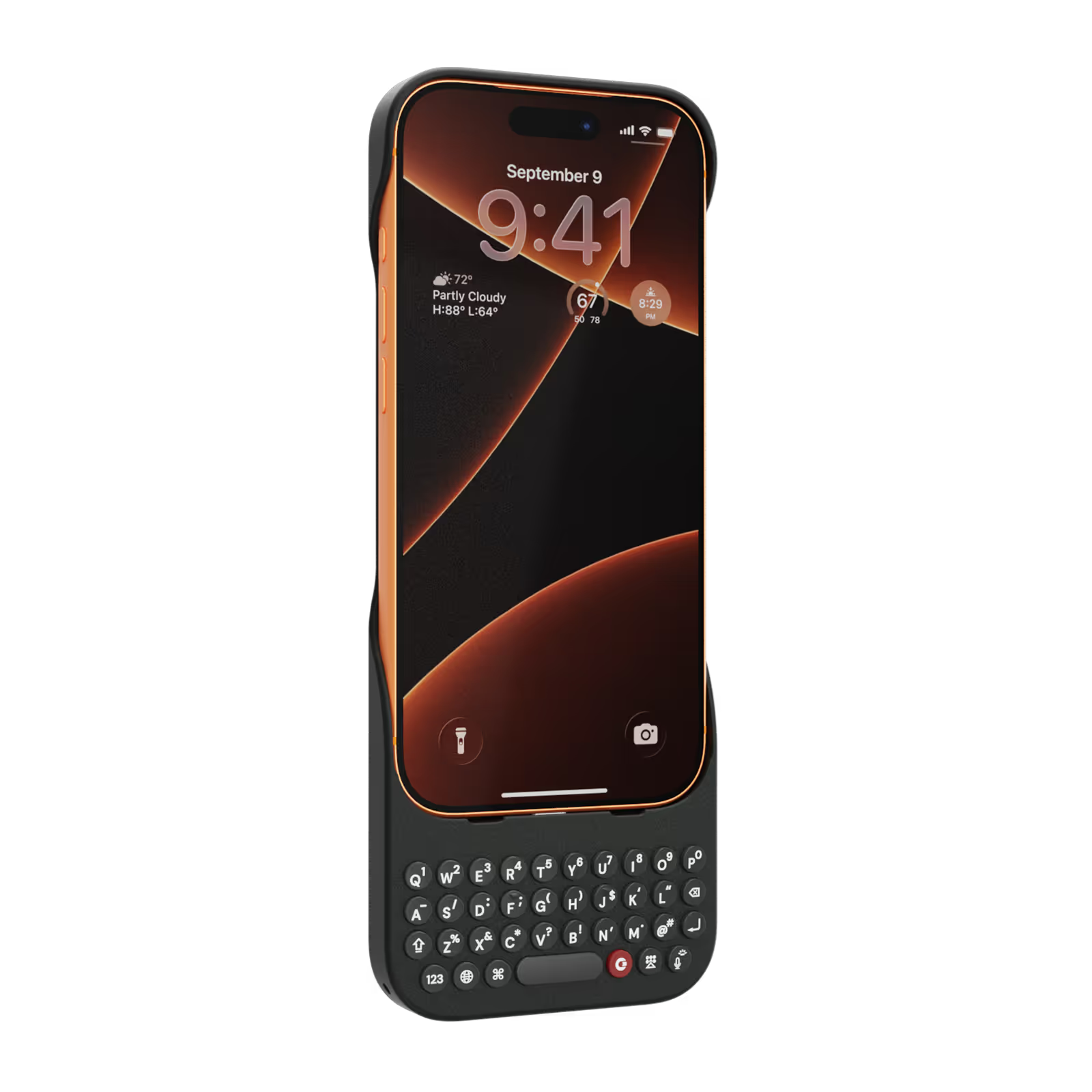
Onyx
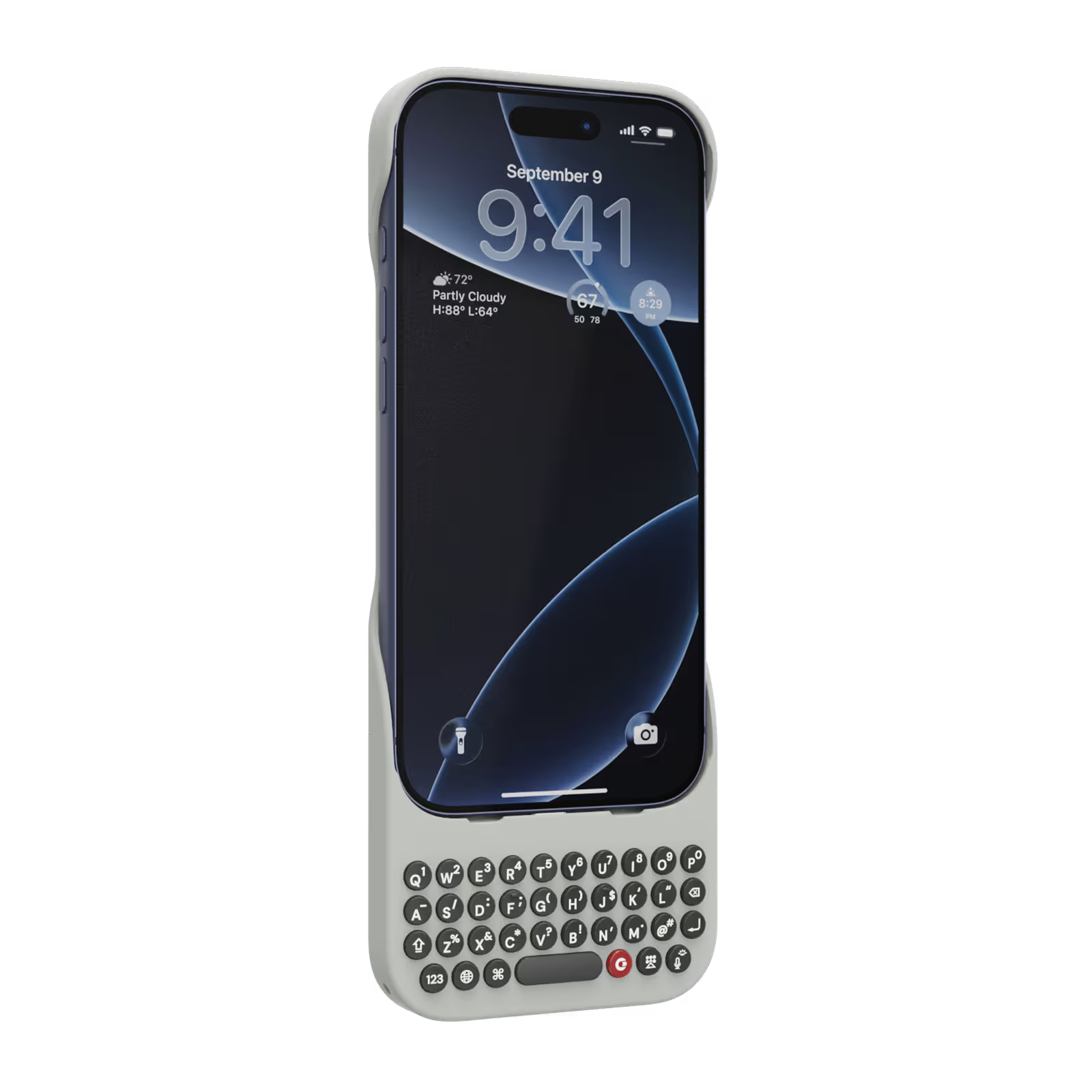
Smoke
$139
US$159
Shipping date metafield text.
Add to cart
Out of stock
Leave your email to be notified when it's back in stock.
We’ll email you when your selected model is back in stock.
Oops, something went wrong. Try again.
スピーディーな無料配送
追加料金なし
30日間返品保証
リスクなしでClicksをお試しください
80,000台以上を
100ヶ国地域で販売

Highlights

40% thinner.
11% lighter.
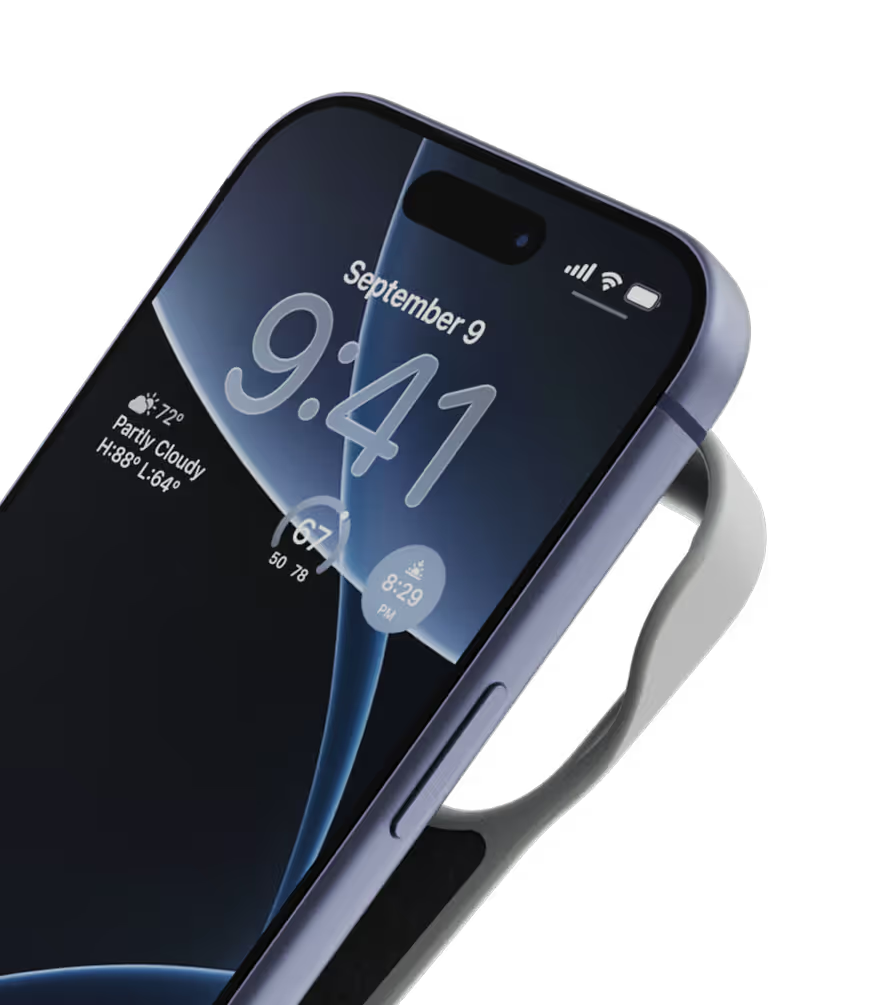
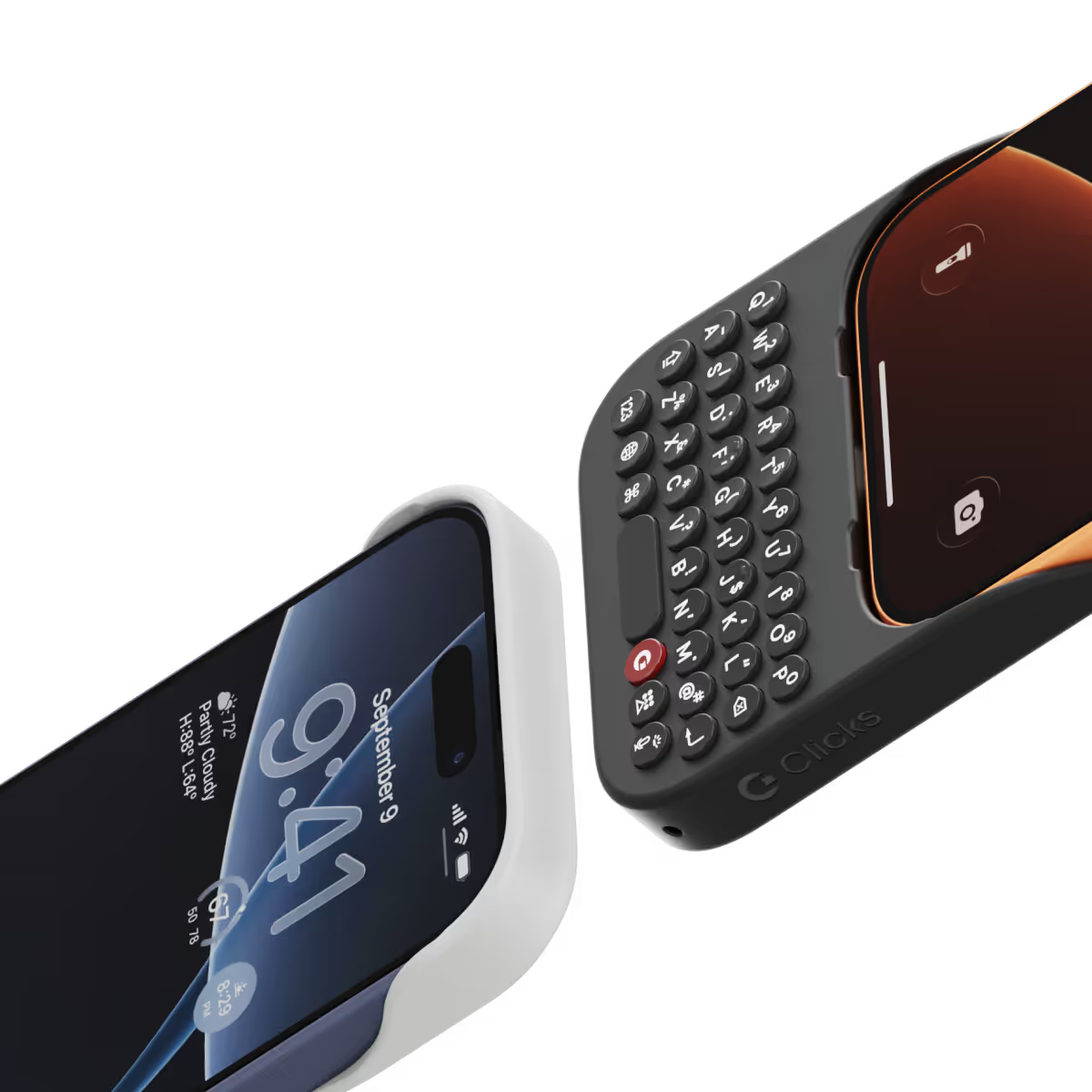
A refined design feels great in your hands and lets your iPhone’s personality shine.
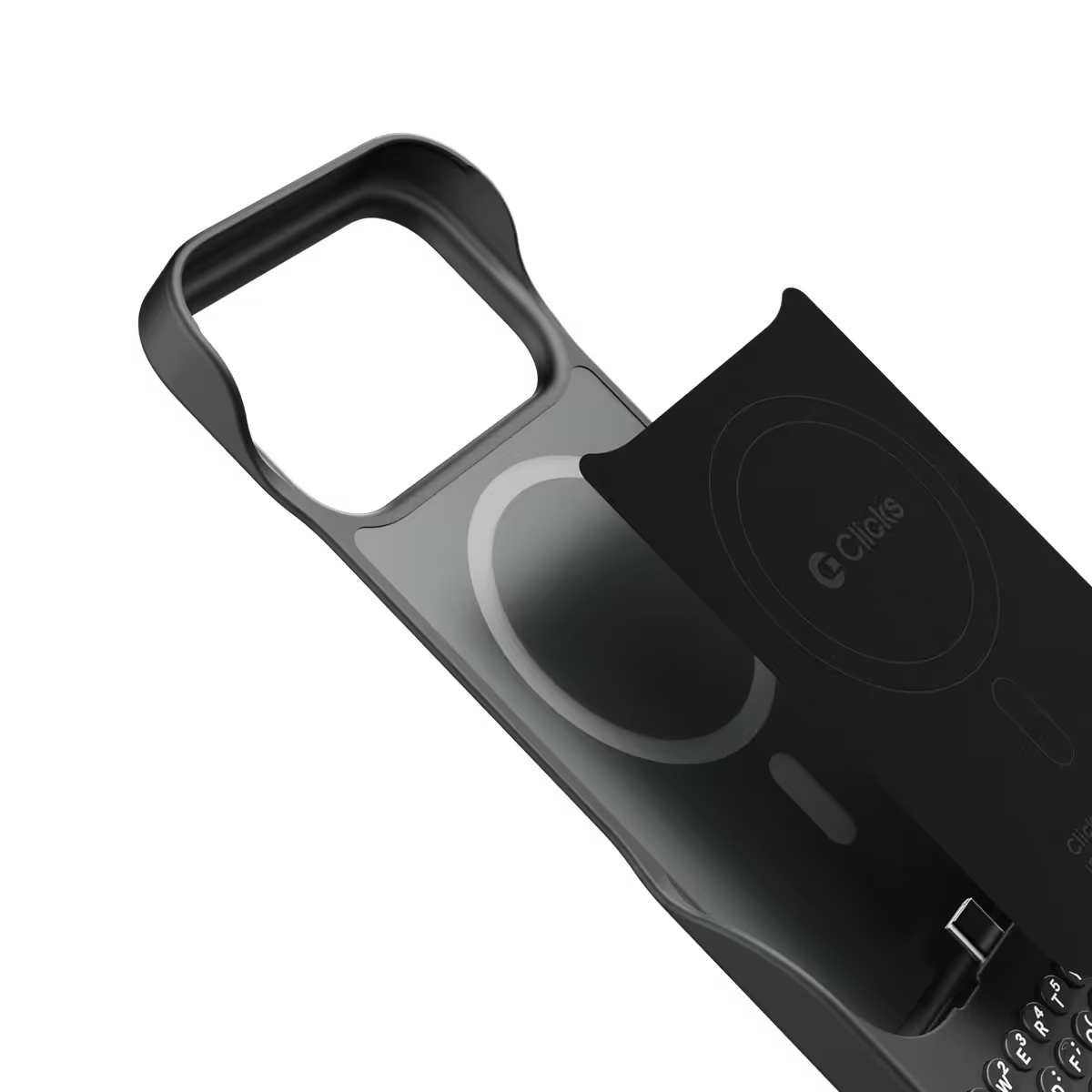
Snap-in
design.
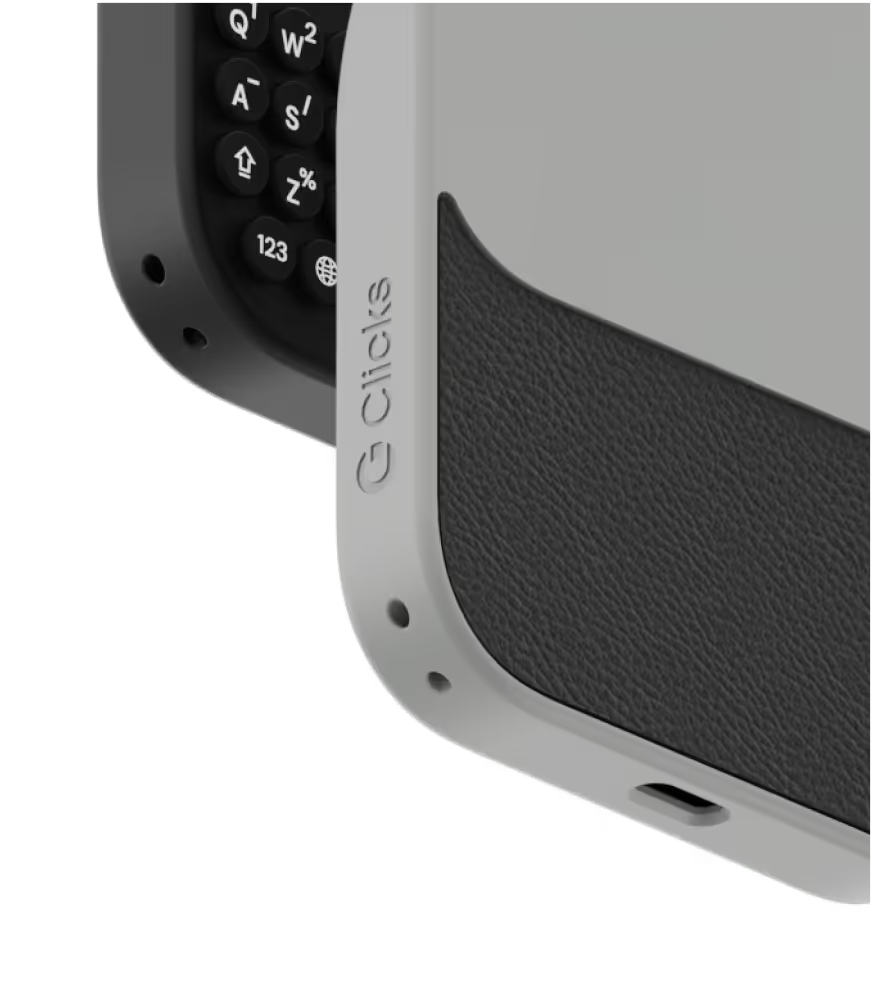
Adding and removing Clicks to your iPhone just got faster and easier.
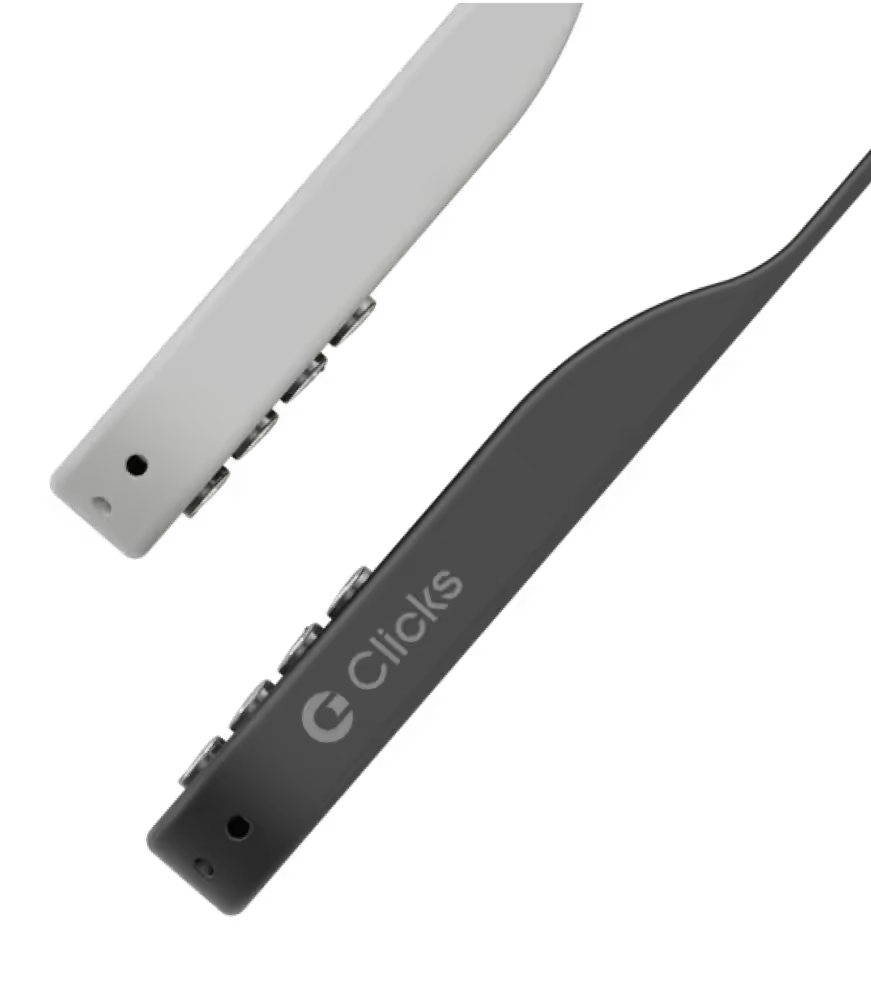
Lanyard-ready.
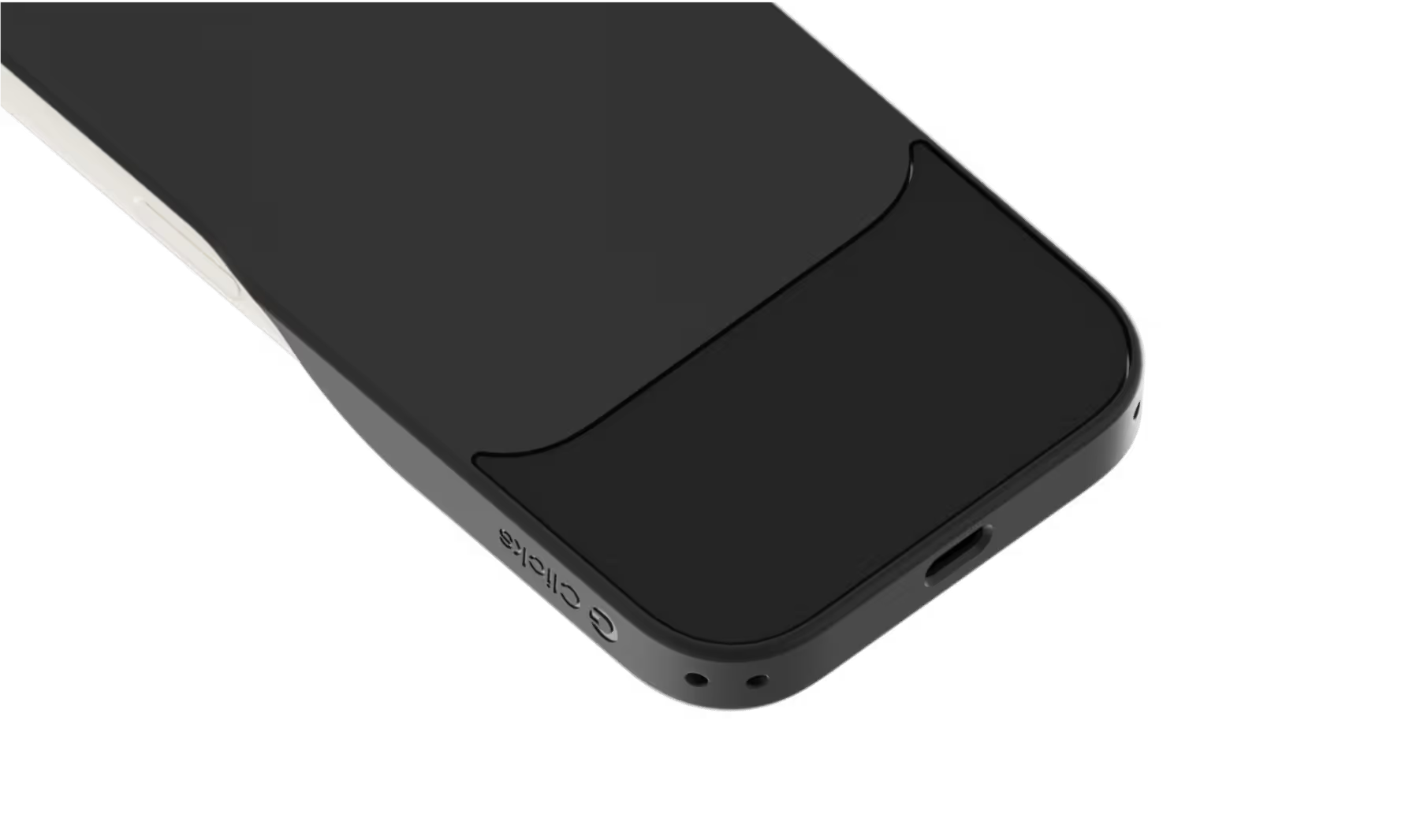
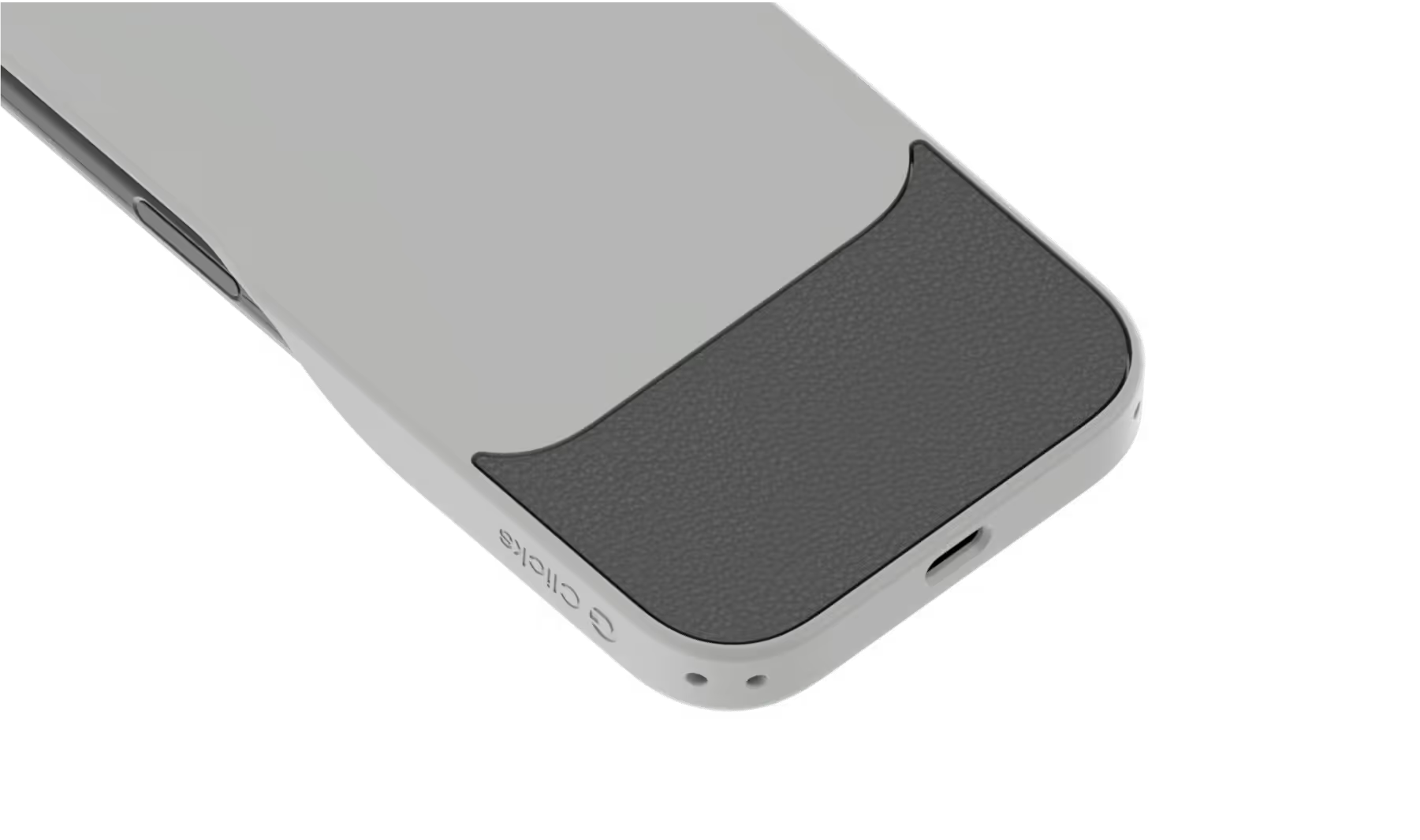
Dual lanyard attachment points make Clicks ready for a wrist strap or cross body.
Premium typing
experience.
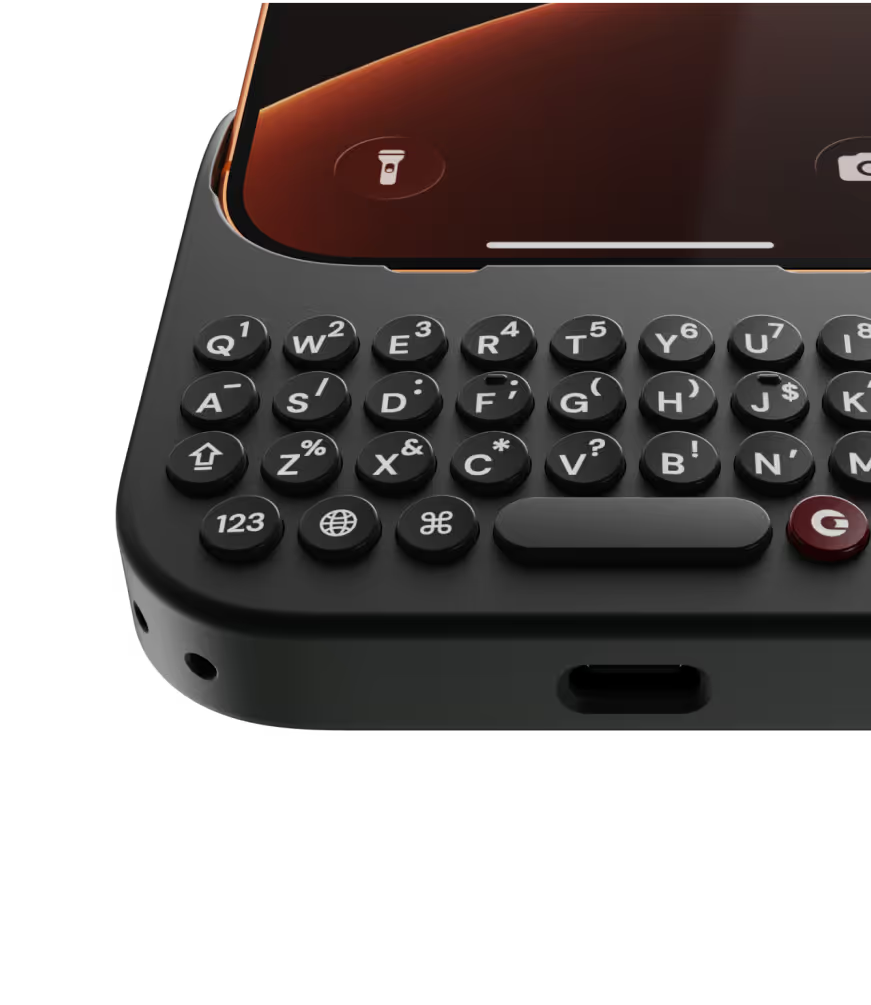
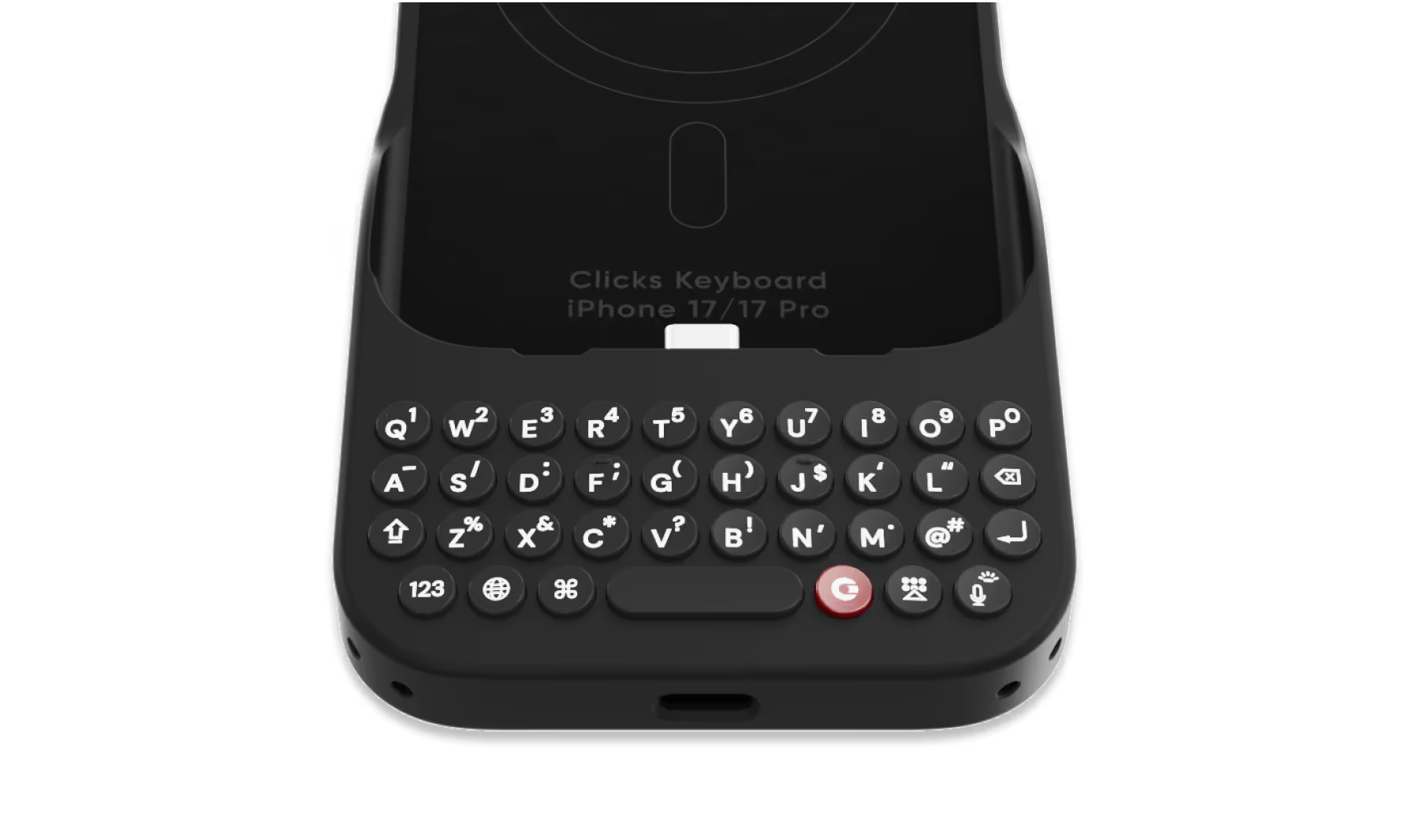
Type fast and accurately with ergonomic keys designed for comfort and confidence.
Patent-pending design

Take a closer look.

Why Clicks

More screen.
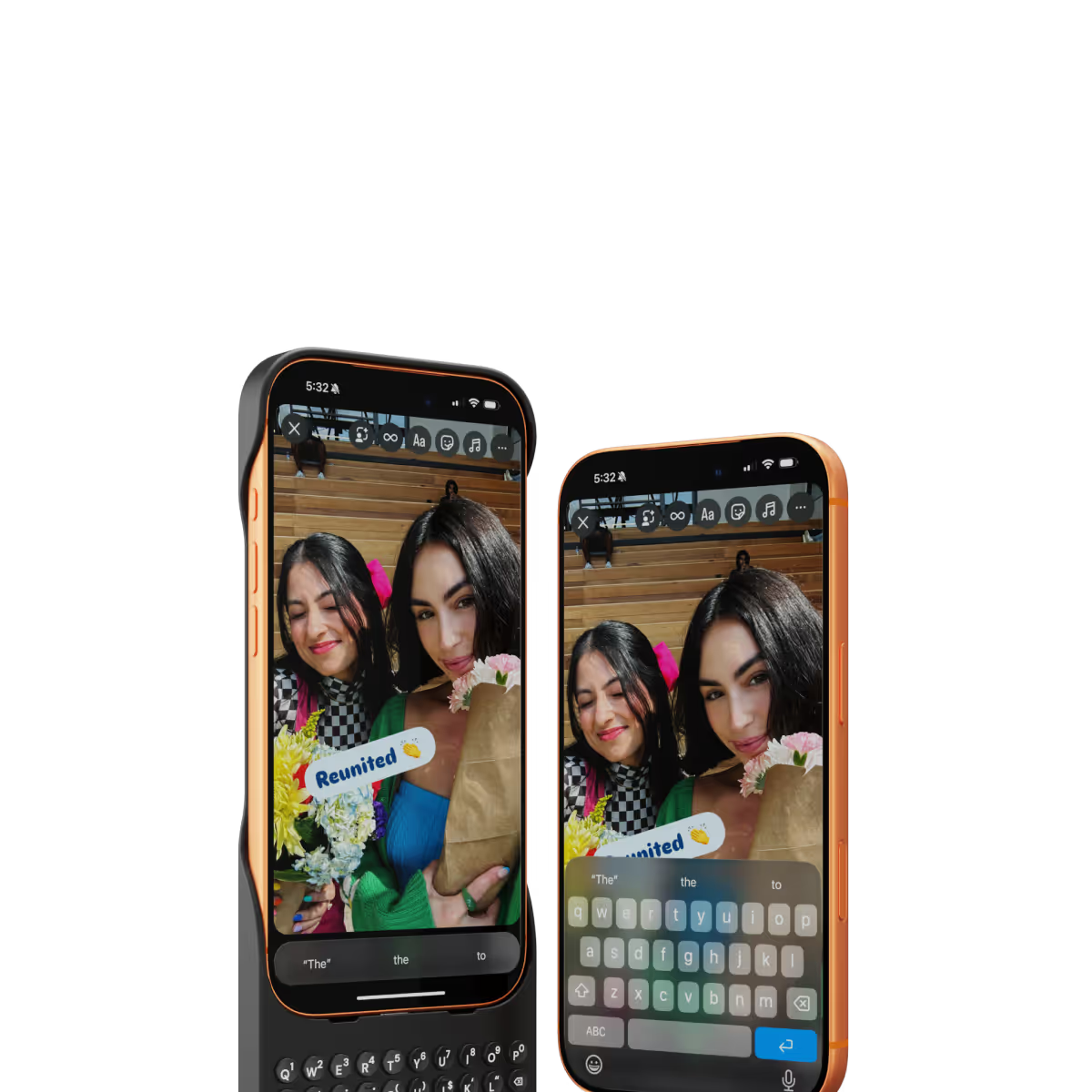
By moving the on-screen keyboard off your display you reclaim 50% more usable space.
MagSafe built-in.
Use wireless chargers, car mounts or magnetic accessories without removing your case.
Case meets keyboard.
Protect your phone from drops while powering up your productivity with the benefits of buttons.
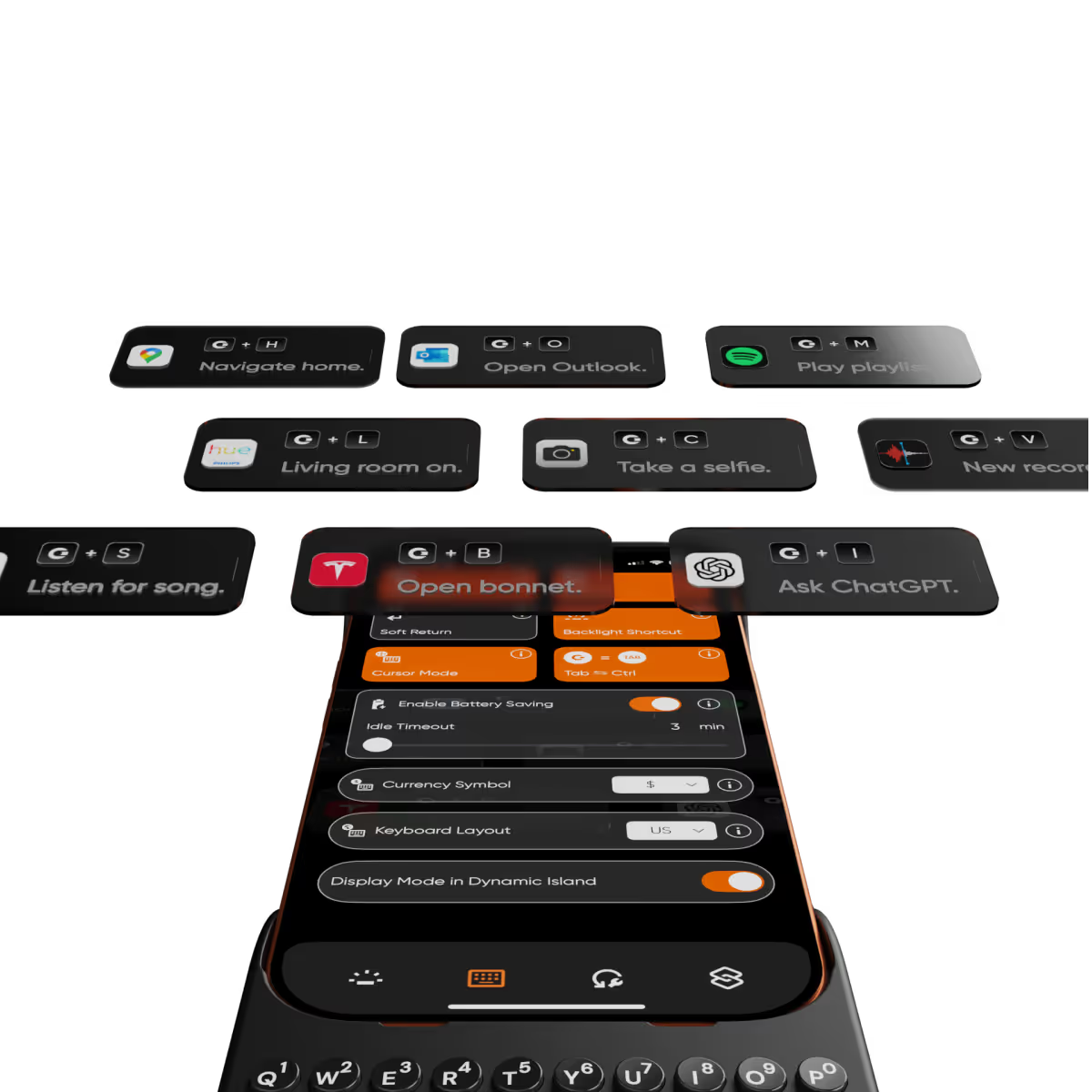
Clicks app.
Customize typing preferences and install keyboard shortcuts to quickly launch apps.

Compare Clicks Keyboards

Thinner, lighter design
Snap-in design
Lanyard support
Premium Keyboard Experience
Backlit Keyboard
Clicks Mode
MagSafe Compatible
New Ergonomic Sculpted Keys
USB-C Data Mode
Models Supported
17 Pro Max
17 Pro
17
16 Pro Max
16 Pro
16 Plus
16
15 Pro Max
15 Pro
15 Plus
15
14 Pro Max
14 Pro
Connectivity
USB-C (Charging + Data)
USB-C (Charging)
Lightning (Charging + Data)
Colors

FAQs

Will Clicks be coming to iPhone Air?

As iPhone air is a brand new platform, we want to get it in our hands and test it before deciding whether it’s suited to Clicks. If you’re interested in Clicks for iPhone Air, please complete this survey to let us know. We’ll contact you as updates become available.

Does Clicks for iPhone 17 fit older iPhone models?

No, Clicks for the iPhone 17 series is not compatible with previous generation iPhones. Clicks for the iPhone 17 Pro and iPhone 17 are interchangeable, but Clicks for the iPhone 17 Pro Max will only fit that model.

Will Clicks for iPhone 17 features become available for other iPhone models?

The thinner, lighter enclosure, snap-in design and lanyard support will be exclusive to Clicks for iPhone 17 models.

What are the main differences between Clicks for iPhone 17 and past Clicks keyboard models?

Clicks for iPhone 17 introduces a new enclosure design that's 40% thinner and 11% lighter than Clicks for iPhone 16. The new contoured shape makes Clicks easy to hold and allows your iPhone’s natural colour to shine through while the new enclosure makes it easy to add and remove your iPhone. Plus, a dual attachment point lanyard system allows you to use Clicks with wrist loops and cross-body straps.

Can I update the model, colour or shipping address for my Clicks for 17 pre-order?

Yes, absolutely! Reach out to support@clicks.tech with your order number and required changes. A team member will help make the necessary updates.

Where can I buy Clicks for iPhone 17

Batch 1 orders will be exclusive to Clicks.tech in 2025. Clicks for iPhone 17 may come to other channels like Amazon and Best Buy in 2026.

What Clicks users are saying.

Based on 5,328 user reviews.
Theodore S.
Clicks for iPhone 15

This review was created on my iPhone with clicks and the tools available to proof my text. --- There’s always been a gap between what I can easily do on my phone and what requires my laptop. **Clicks** has significantly narrowed that gap. Tasks I used to avoid on my phone—like juggling multiple apps, working with spreadsheets, or doing in-depth research with detailed document annotations—are now much easier. Clicks has reduced my frustrations by removing the on-screen keyboard that often blocked important parts of my work. It expanded my screen space, making my phone much more efficient. I now feel more confident using spreadsheets without worrying about accidentally messing up a cell. With the ability to create custom shortcuts and increased proficiency with the keyboard, I wouldn’t want to go back to life without Clicks. It has truly transformed my phone into a more powerful mobile office.

Visit source
Yeeun A.
Clicks for iPhone 15 Pro

I love the feel the look, the more time I use it I love it more.

Visit source
Kris H.
Clicks for iPhone 14 Pro

what a game changer improved screen size and typing like a wizard !

Visit source
Michael Rueda
Clicks Keyboard for iPhone 16

Absolutely OBSESSED with this product! Early adopter turned brand loyal consumer! The Onyx for the Black Titanium iPhone 16 Pro Max couldn’t be a more perfect combination! The redesigned keypad, new tougher enclosure and brushed metal side keys are a true testament to how much the user experience feedback is important to the brand. Worth Every Damn Cent!!!

Visit source
Lance S
Clicks for iPhone 16

After upgrading my 15 Pro Max, I acquired this case, which has proven to be an invaluable asset. It evokes fond memories of my Blackberry era, and I will continue to use it. The Spice color is particularly aesthetically pleasing.

Visit source
Daniel P.
Clicks for iPhone 15 Pro

This Clicks keyboard is like a dream come true for anyone who hates the on-screen keyboard. The keys are so satisfying to type on, and the layout is intuitive. Plus, the backlight is a lifesaver for late-night typing sessions. I can finally get work done efficiently on my iPhone!

Visit source
Chapal Krishna A.
Clicks for iPhone 16

I have used Clicks for iPhone 15 Pro Max and it was good, but the 16 Pro Max, is the best thing ever! Just cannot do without it!

Visit source
Andreas L.
Clicks for iPhone 14 Pro

I use Microsoft Outlook for emails on my iPhone and when I'm typing between the keyboard and Outlook icons it takes up over half the screen - I can barely see the message I'm typing. Putting Clicks on gives me so much more space. Total game changer for me.

Visit source
Sean A.
Clicks for iPhone 15 Pro

I’m not disappointed after 1 month. The keyboard has prompted a few positive queries. A nice case and works seamlessly with my iPhone.

Visit source
David E.
Clicks for iPhone 16 Pro

Attention, tech enthusiasts and keyboard warriors! Remember the nostalgic days of tactile typing on your mobile phones? The satisfying clickety-clack that accompanied every text message, email, and hastily written note? Relive those moments with Clicks for iPhone, a resurrection of the lost art of physical keyboarding. As a seasoned veteran of the mobile phone scene, I've witnessed the rise and fall of countless trends, but few have intrigued me like Clicks. This ingenious little add-on empowers you to transform your sleek touchscreen iPhone into a pocket-sized productivity powerhouse, enhancing your efficiency on the go. The Clicks keyboard is a marvel of engineering, with well-spaced keys that provide just the right amount of tactile feedback. Typing on it is like typing on a miniature laptop, but without the bulk or the awkward stares from fellow commuters. Sure, it takes a bit of getting used to. My thumbs initially felt like a fish out of water, flopping around in search of their digital home. But after a few days of practice, I was zipping through emails and social media posts with newfound speed and accuracy. And let's remember the sheer joy of hearing that satisfying click with every keystroke. It's a symphony of productivity, a rhythmic reminder that you're getting things done. Of course, there are a few minor quibbles. The Clicks keyboard adds a bit of bulk to your iPhone and makes it longer. But for those of us who prioritize function over fashion, these are minor sacrifices. So, if you're tired of hunting and pecking on your touchscreen keyboard or simply yearning for the tactile typing experience of yesteryear, give Clicks for iPhone a try. Your thumbs will thank you.

Visit source