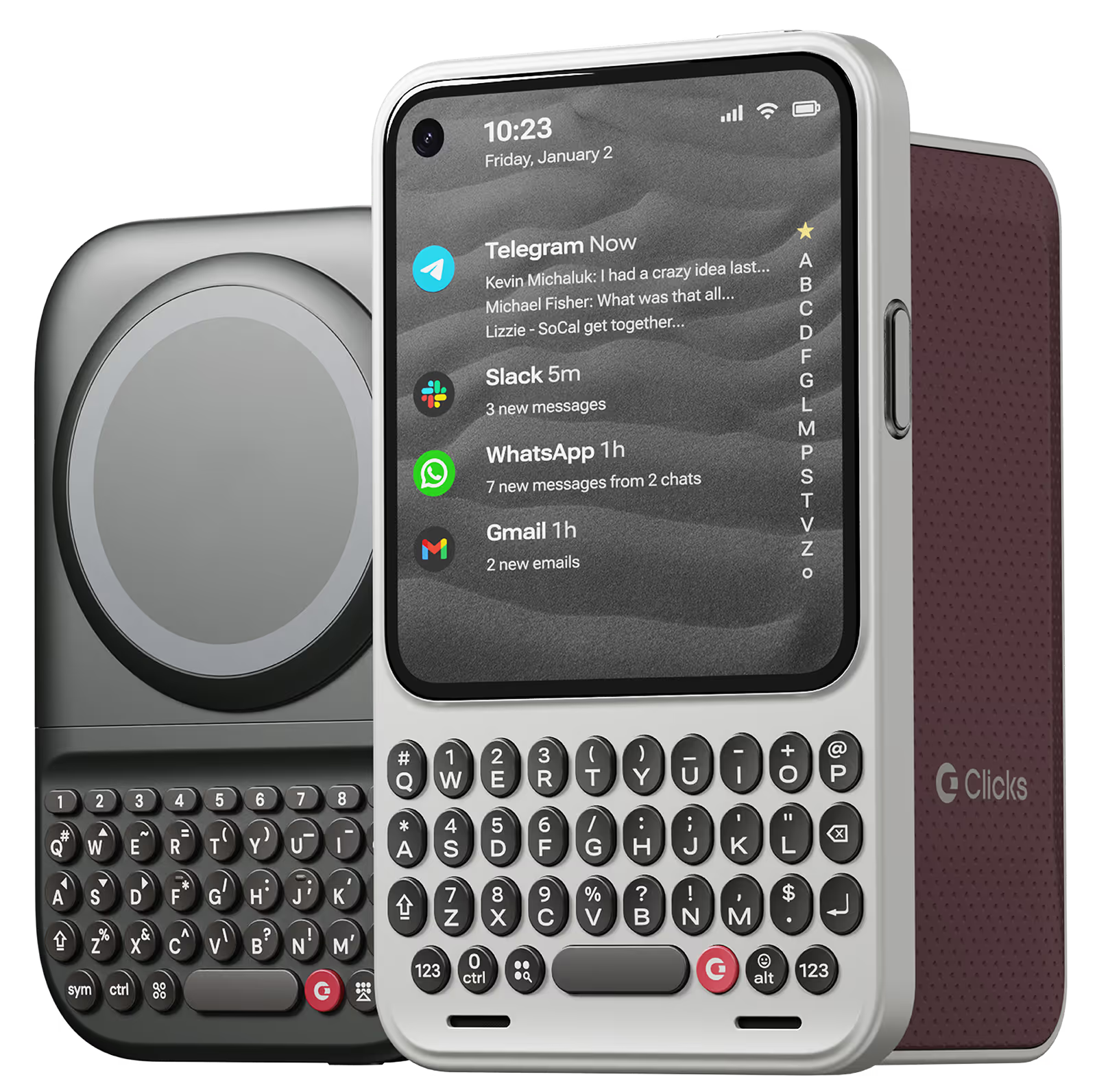
Why you'll love Clicks.

1
Feel satisfying real buttons
Pressing real buttons and hearing that little clicking sound feels more natural and rewarding.
Replay
2
Elevated premium protection
Brushed metal side keys, a microfibre lining, and a new enclosure that feels great while adding protection inside and out.
Replay
3
See more screen
Free your screen, with 50% more usable display to work, play, surf, chat and engage with your content.
Replay
4
Take action, faster
Launch customized shortcuts at the push of a button. Personalize your keyboard to control your home, launch apps, text or call contacts.
Replay
5
Keep your laptop at home
Make more happen right from your phone without needing to crack open your laptop.
Clicks for iPhone
Available for iPhone 17, 16, 15 and 14.
In stock & shipping now.
Buy Now
Clicks for Pixel
Pixel-perfect productivity.
Available now.
Buy Now
Clicks for Razr
Pocket-sized. Power-packed.
Available now.
Buy Now

Buttons with benefits.

More Screen

Get 50% more usable display to work, play, surf, chat and engage with your content.

Customizable Shortcuts

Launch custom actions at the push of a button.

Powerful Productivity

Real buttons that help you work smarter while away from your desk.

What Clicks users are saying.

Based on 5,328 user reviews.
Aron Bodola
Clicks Keyboard for iPhone 16

Typing feels right, I love to use the shortcuts

Visit source
Hudson Akridge
Clicks Keyboard for Pixel 9/9 Pro

First, yes, it is bulky. There's no way around that. I think given what they had to work with, it was necessary. Second, this is an amazing attachment. It makes typing so much easier on my phone. Takes a little getting used to, which they have a tutorial for each day to learn something new, but my speed and productivity on this blows me away some days. I rarely write reviews. This was a good one though.

Visit source
Ivar M.
Clicks Keyboard for Pixel 9/9 Pro

Especially in the cold, typing on a touch screen for longer periods of time makes my input gradually less accurate. I have yearned for a BlackBerry revival, and Clicks for my Pixel 9 has been a close second. It took a few days getting used to the long phone form factor, but after that it was smooth sailing.

Visit source
Alejandro O.
Clicks for iPhone 15

At first it takes a while to get used to the keys. But then you gain speed and comfort when writing emails or social networks or, in my case, programming.

Visit source
Francesco Cecere
Clicks Keyboard for Razr+ (2024)

Total game changer, literally transform your Razr in a typing machine. Overall user and customer service experience over the top! Very advised!

Visit source
sine C.
Clicks for iPhone 14 Pro

Love it

Visit source
Kyle
Clicks for iPhone 15

this thing is freaking awesome it brings back when i had android keyboard and i miss it it feels just like it. I like how the iPhone feels in the case it’s just fun and functional it’s a blast to use.

Visit source
Lance S
Clicks for iPhone 16

After upgrading my 15 Pro Max, I acquired this case, which has proven to be an invaluable asset. It evokes fond memories of my Blackberry era, and I will continue to use it. The Spice color is particularly aesthetically pleasing.

Visit source
Reagan Finones
Clicks Keyboard for iPhone 16

The click keyboard on my iPhone 16 Pro is super satisfying! Every keypress feels sharp and responsive, making typing more accurate and fun. Small feature, but it really improves the overall experience.

Visit source
Robert S.
Clicks for iPhone 15

I can touch-type on my phone!

Visit source

Clicks has you covered.
Try for 30 days.

It takes a week or two to get used to typing on real buttons –  you’ll need a little bit of patience and perseverance. Trust our tens of thousands of customers, it’s so worth it!

If it’s just not for you, we’ll give you your money back, no questions asked.