As iPhone air is a brand new platform, we want to get it in our hands and test it before deciding whether it’s suited to Clicks. If you’re interested in Clicks for iPhone Air, please complete this survey to let us know. We’ll contact you as updates become available.
No, Clicks for the iPhone 17 series is not compatible with previous generation iPhones. Clicks for the iPhone 17 Pro and iPhone 17 are interchangeable, but Clicks for the iPhone 17 Pro Max will only fit that model.
The thinner, lighter enclosure, snap-in design and lanyard support will be exclusive to Clicks for iPhone 17 models.
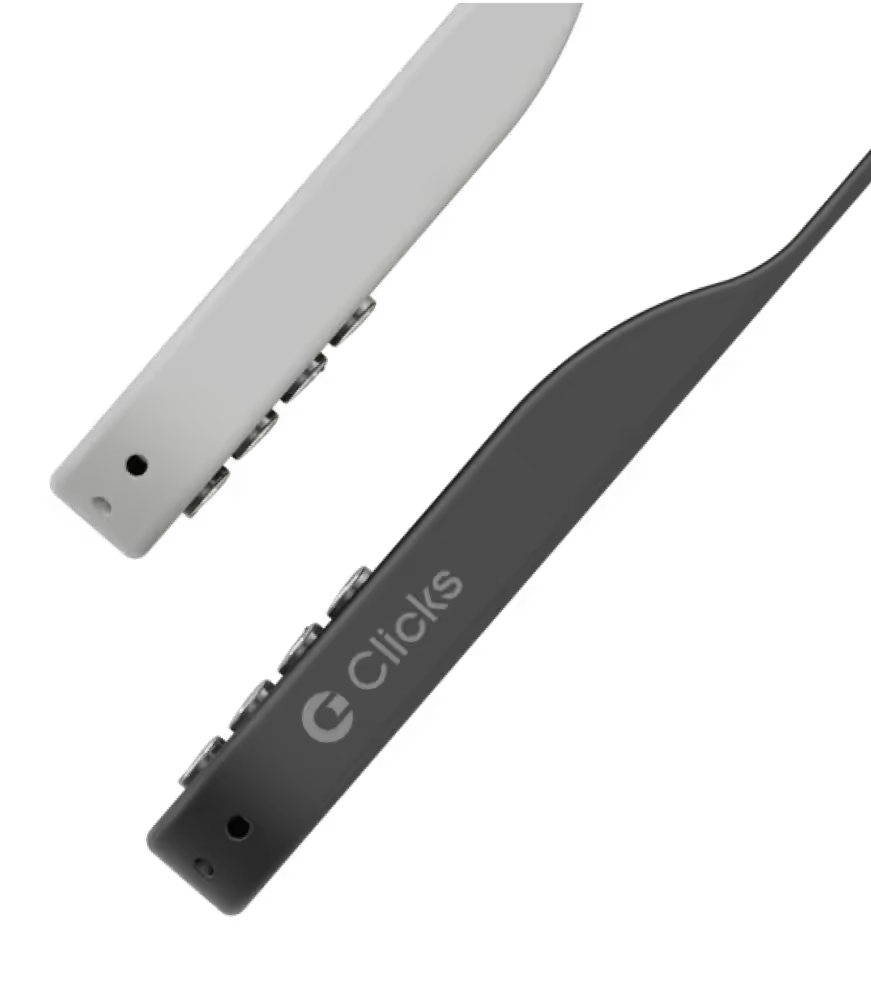
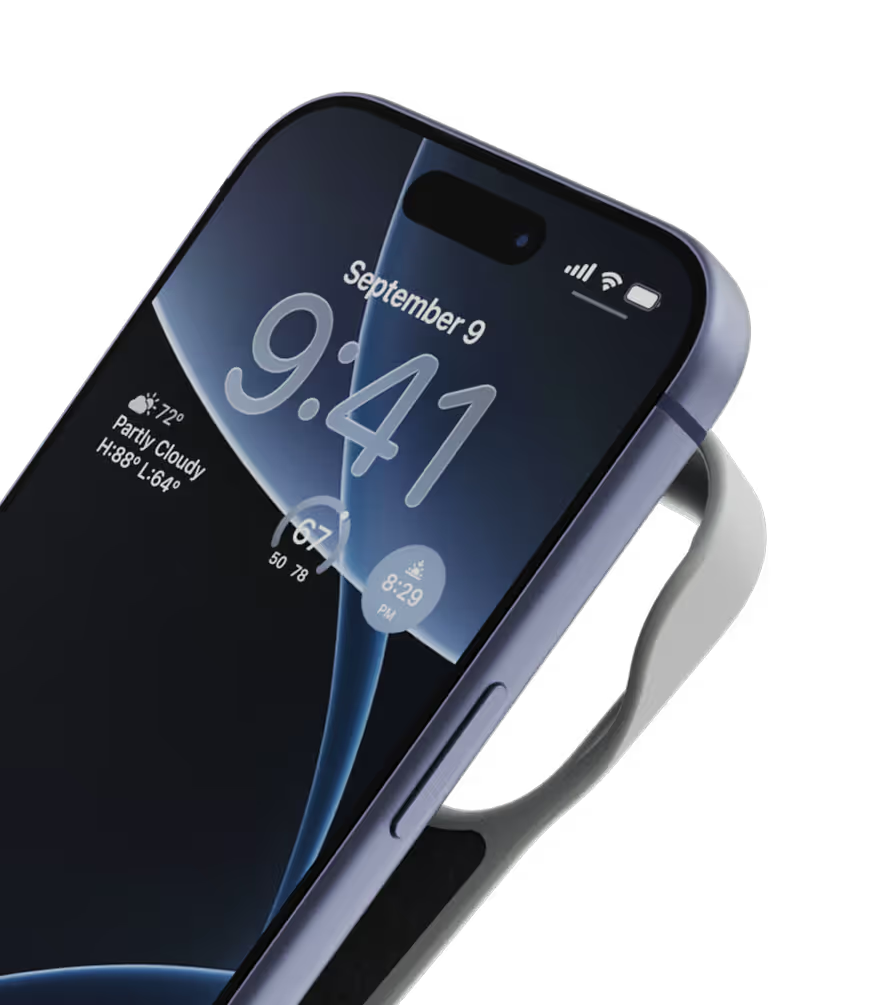
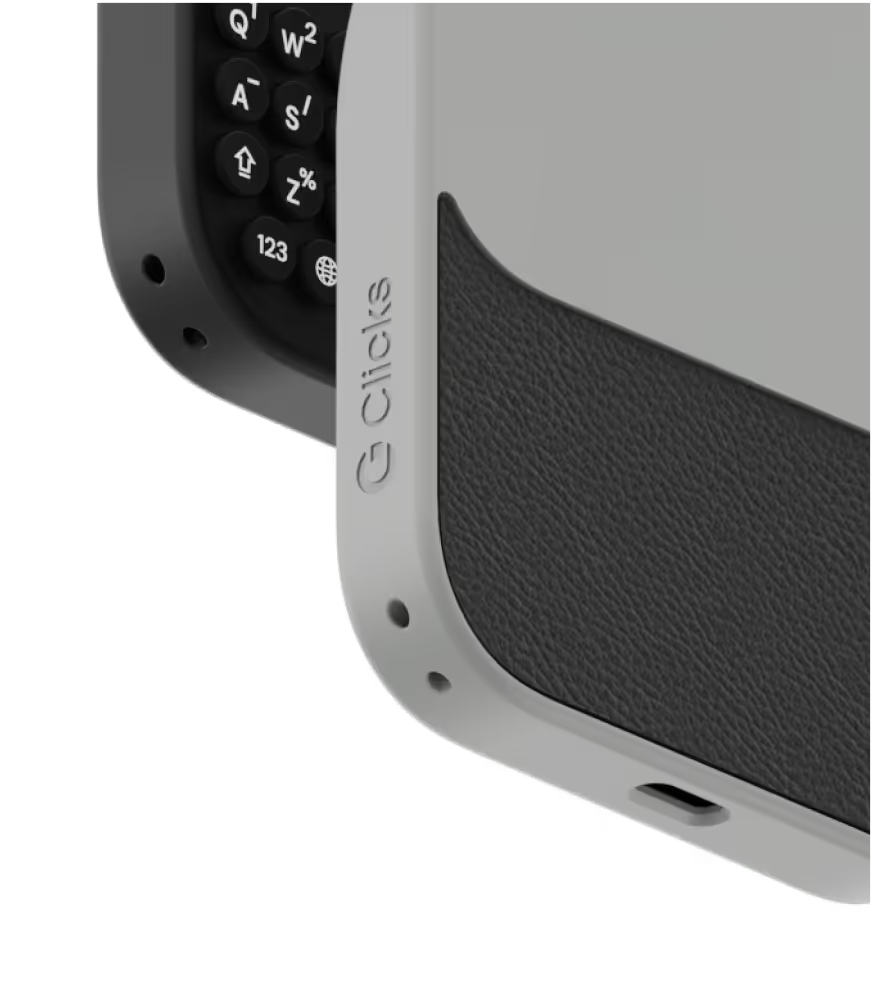
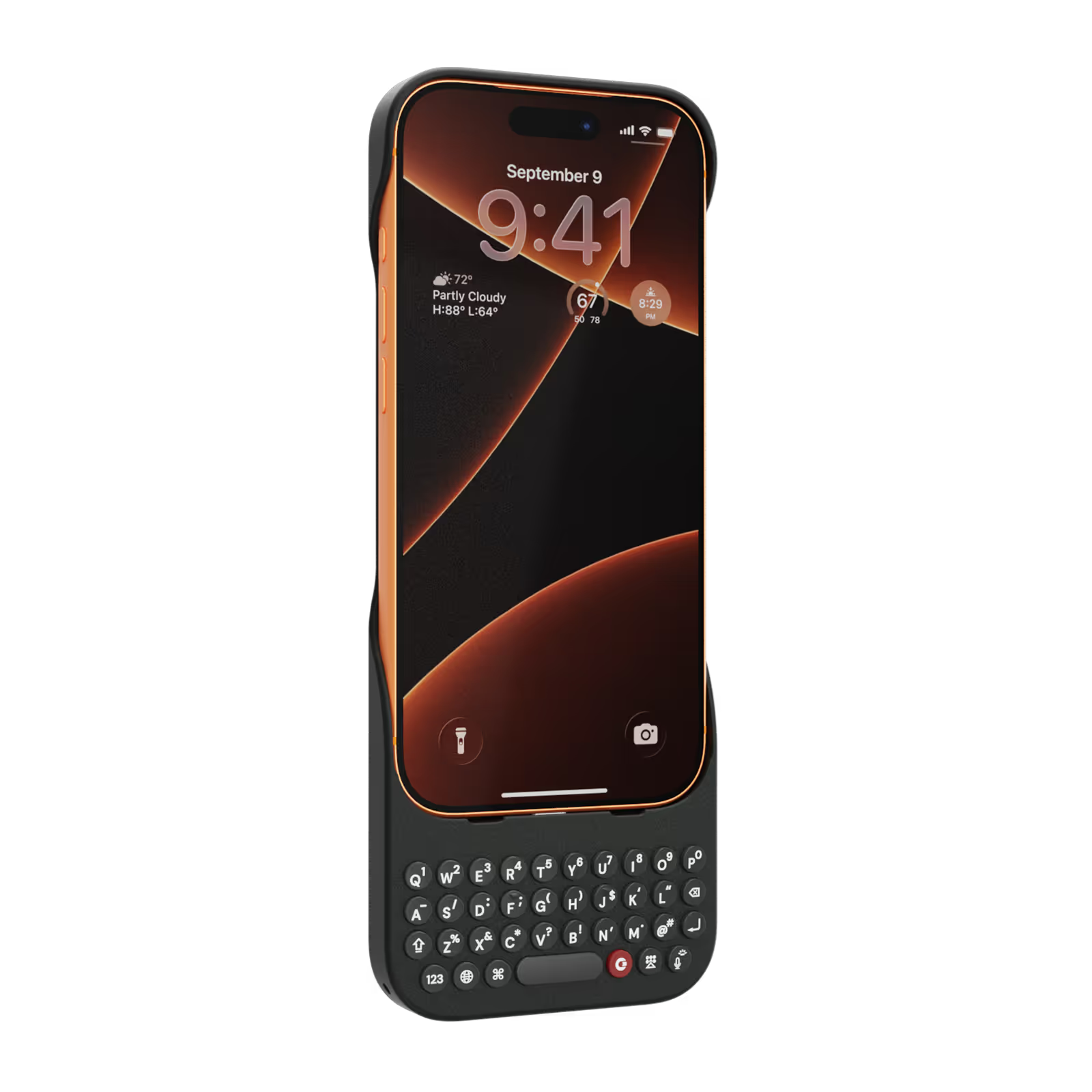
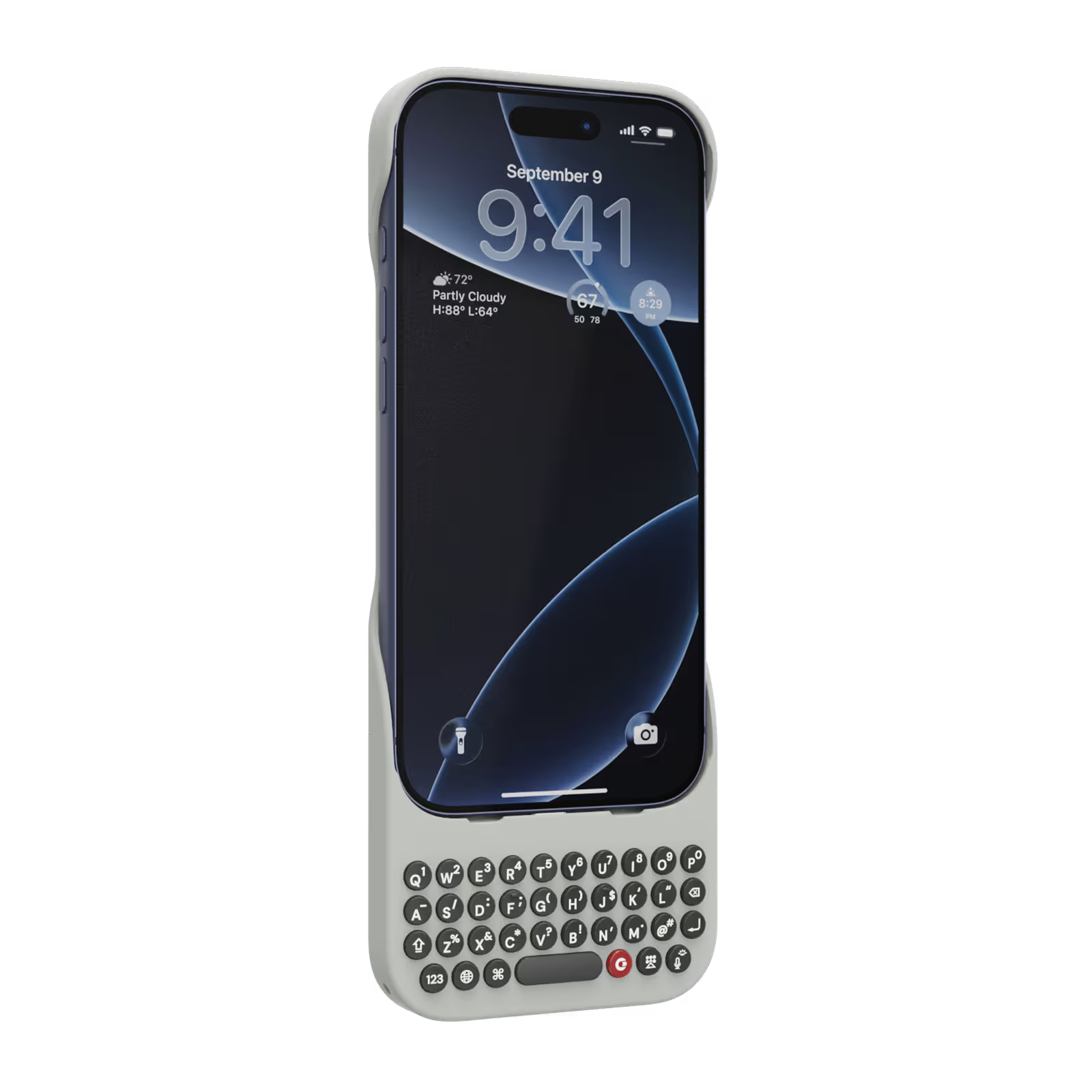
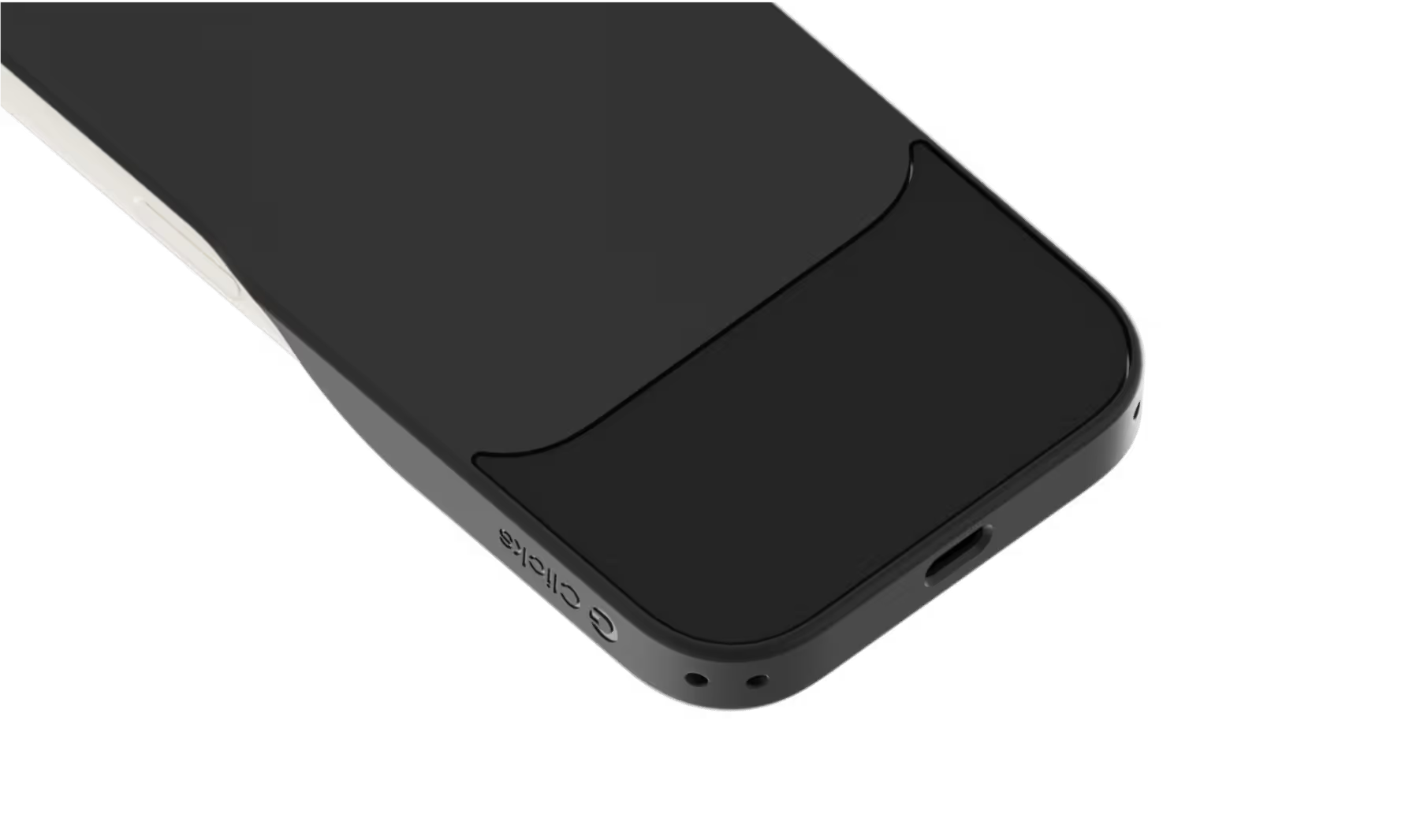
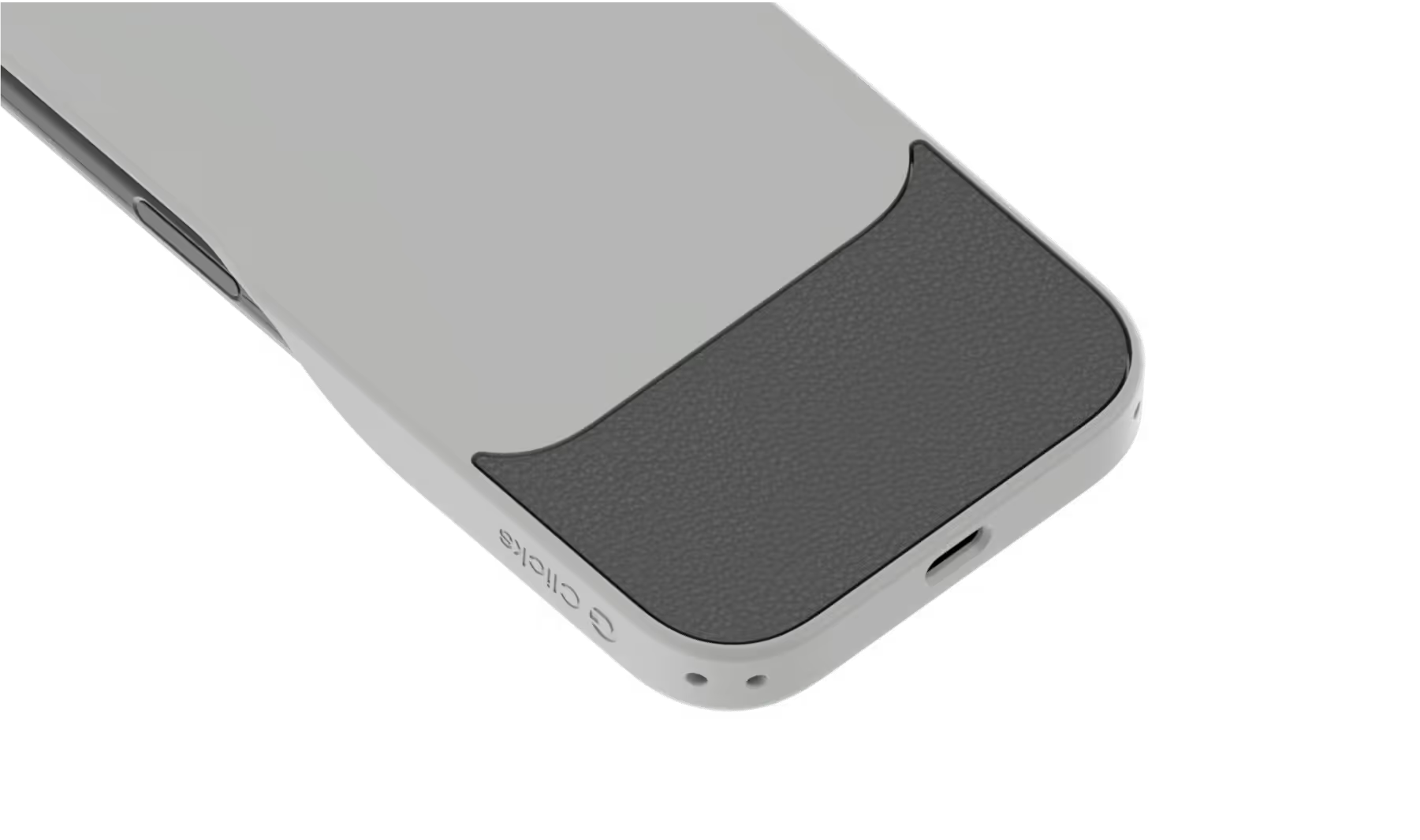
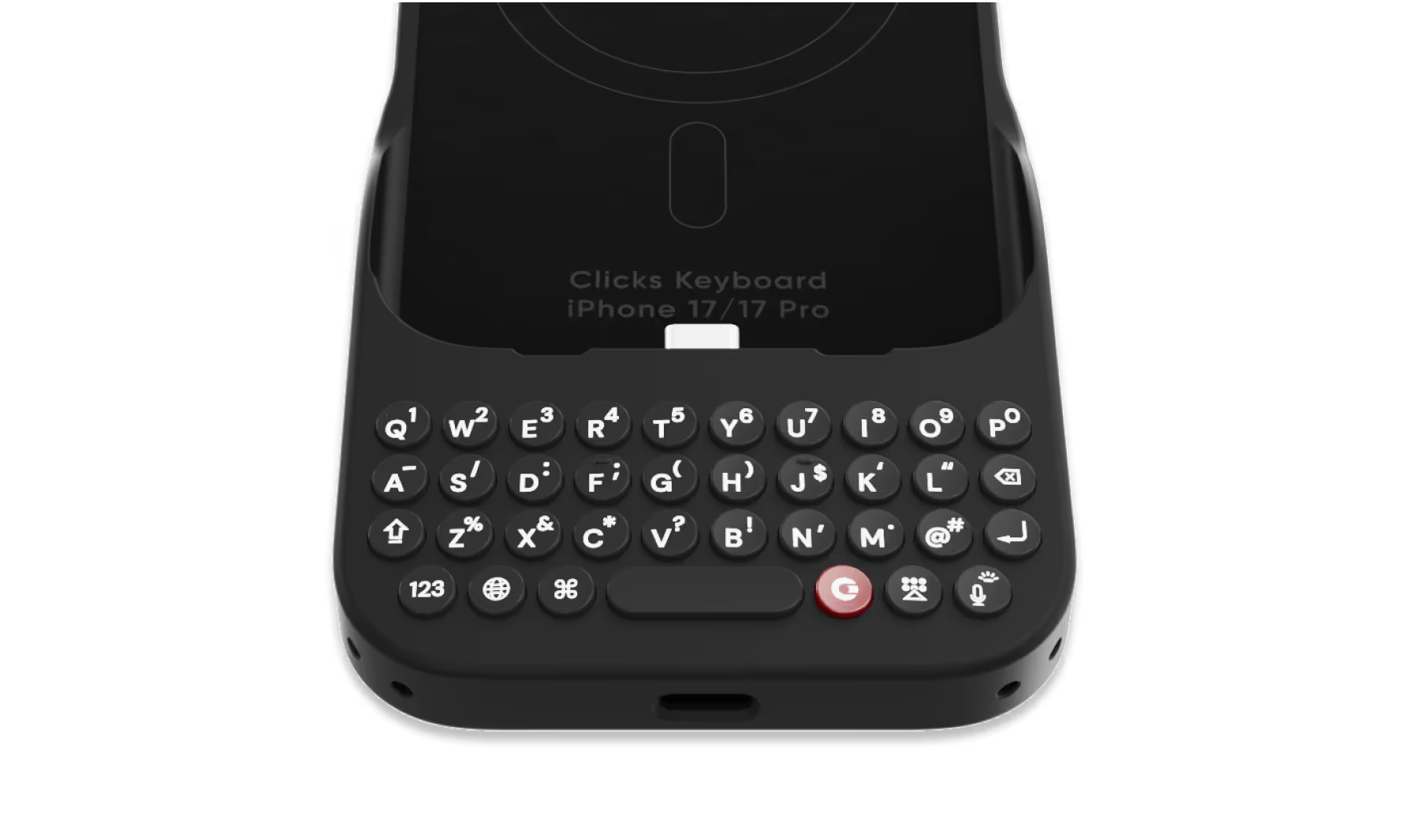
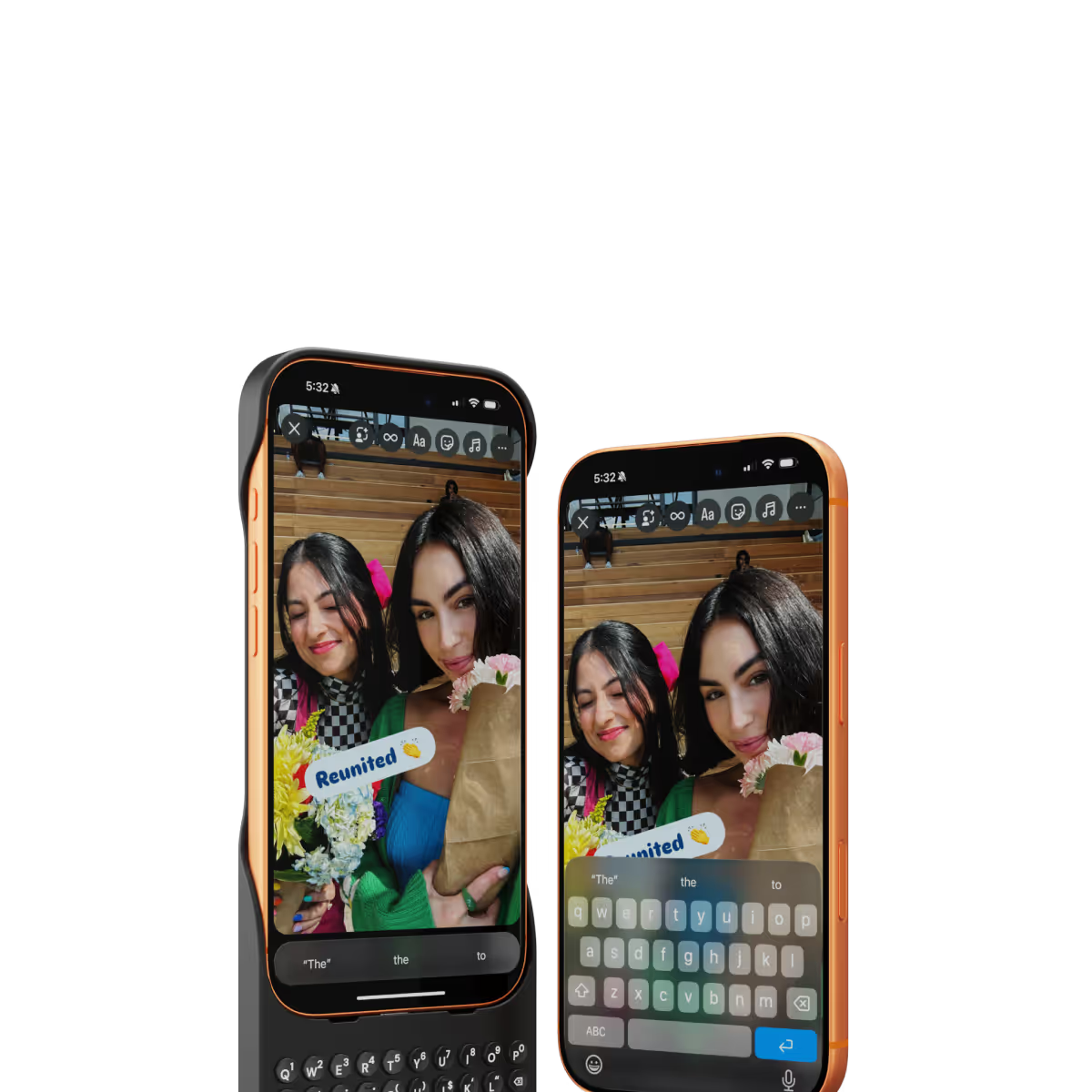
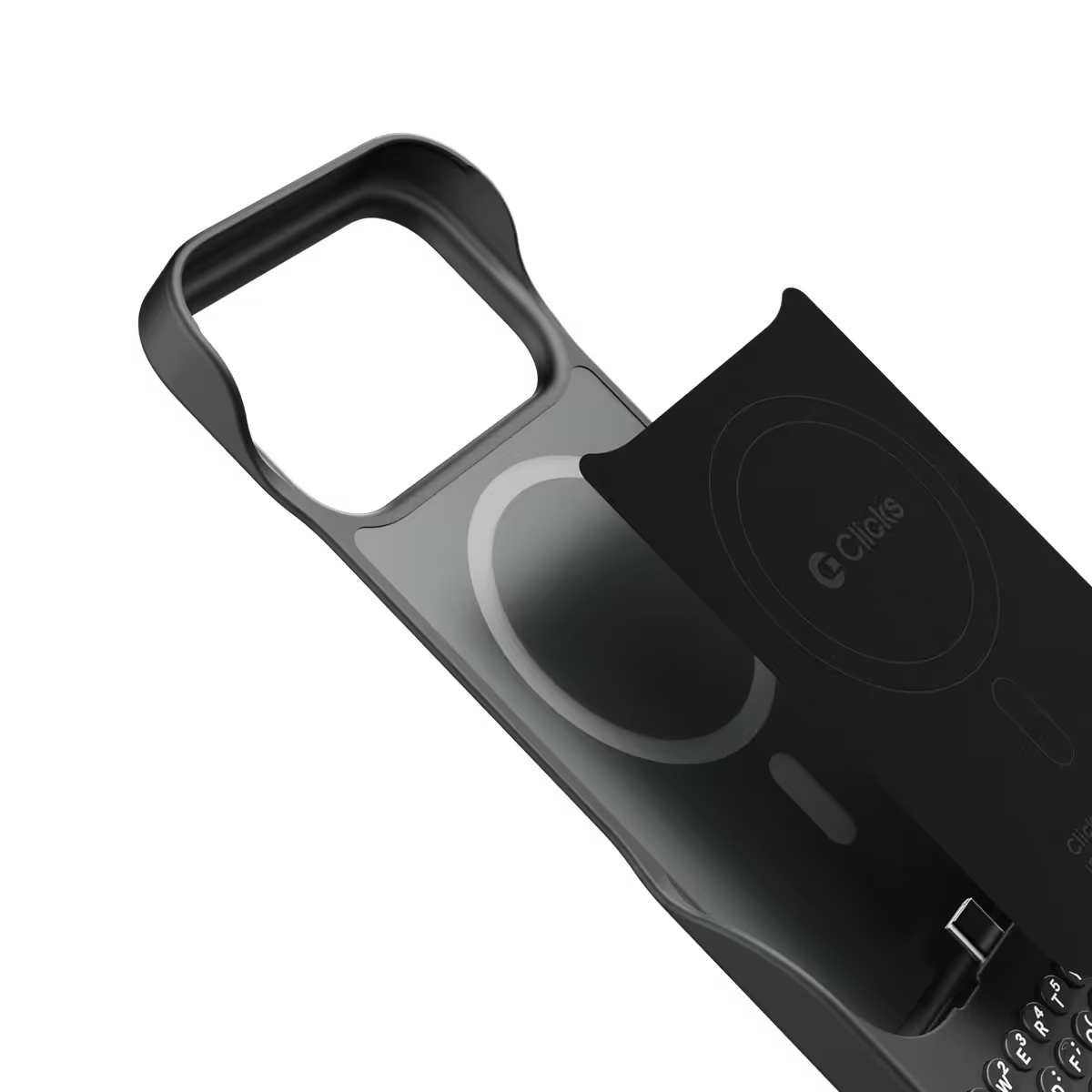
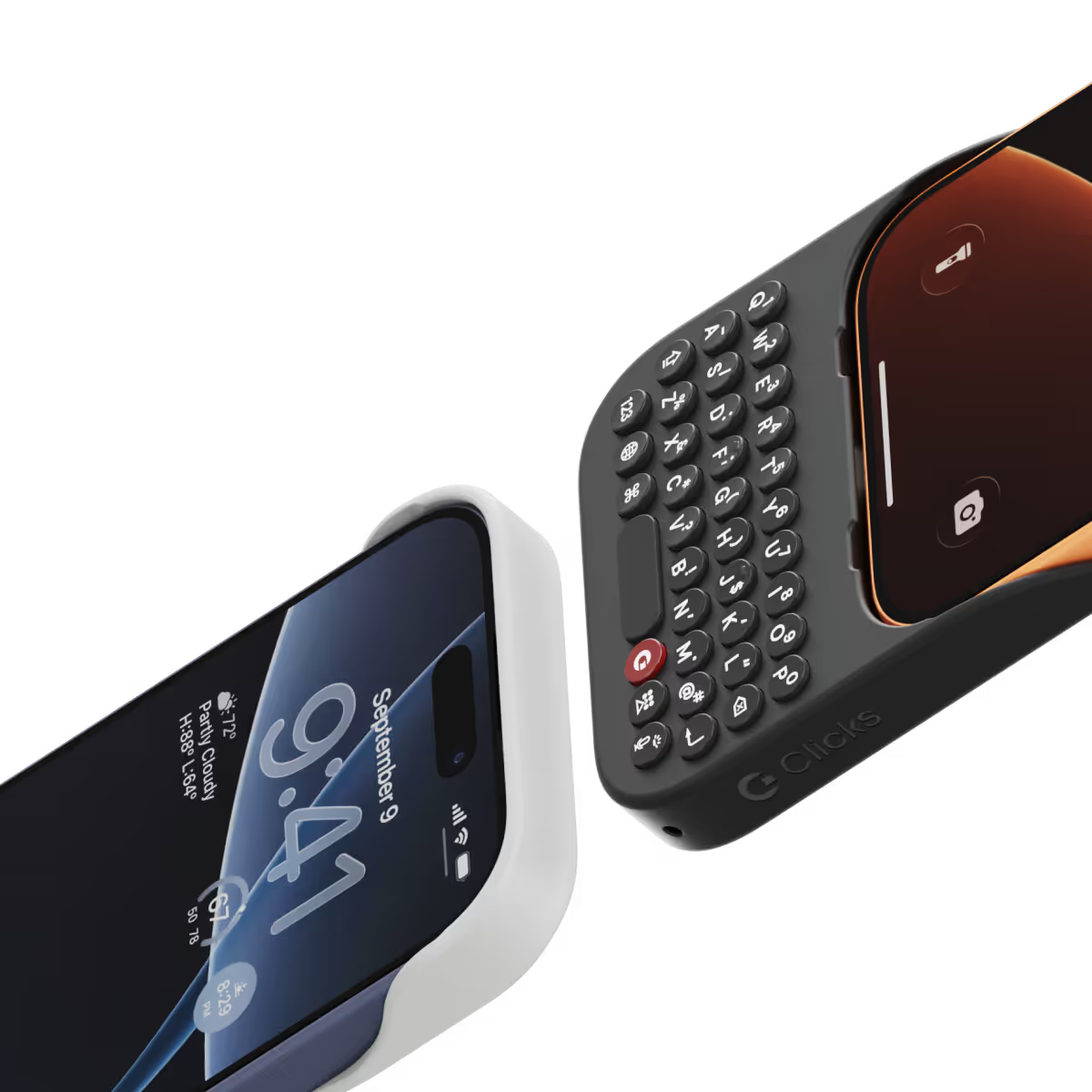
Clicks for iPhone 17 introduces a new enclosure design that's 40% thinner and 11% lighter than Clicks for iPhone 16. The new contoured shape makes Clicks easy to hold and allows your iPhone’s natural colour to shine through while the new enclosure makes it easy to add and remove your iPhone. Plus, a dual attachment point lanyard system allows you to use Clicks with wrist loops and cross-body straps.
Yes, absolutely! Reach out to support@clicks.tech with your order number and required changes. A team member will help make the necessary updates.
Batch 1 orders will be exclusive to Clicks.tech in 2025. Clicks for iPhone 17 may come to other channels like Amazon and Best Buy in 2026.


I use the clicks at home, it's great to have the keyboard especially if you use apps like Superhuman that are heavy on shortcuts. In general, it's got a nice tactile feel, reminiscent of the good-old Blackberry keyboard. When I leave the house, I usually switch for a typical Apple magsafe case will alternate back and forth as I need. Things I'd like to see in the future: trackball for the cursor, magsafe support, add a flexible joint at the top for getting the phone in and out, built in battery.
The click keyboard on my iPhone 16 Pro is super satisfying! Every keypress feels sharp and responsive, making typing more accurate and fun. Small feature, but it really improves the overall experience.
Much much much fewer typos and misspellings. Also less cursing due to the need to edit. The only problem is finding an 8 inch belt pouch, i found one finally but it is zippered instead of magnetic flaps. Only one week using the Clicks. When I whipped it out at an Apple store the customer service technician had never seen a Clicks and reacted with amazement. I asked him they don’t’ sell Clicks among all their other accessories. He couldn’t answer.
i used to work in the cell phone industry and this brings back memories of the first messenger phones. lol. love the keyboard!
I have been a touch typer on phones for many years it is easier, quicker and - for someone with big fingers- more accurate. As a result, i have steered clear of Apple. Clicks has finally made Apple into something that I want and find easy and convenient to use - even down to how easy it was to install the keyboard. I am en extremely happy user and, finally, do not have “BlackBerry” withdrawal symptoms - well done Clicks - and thank you!
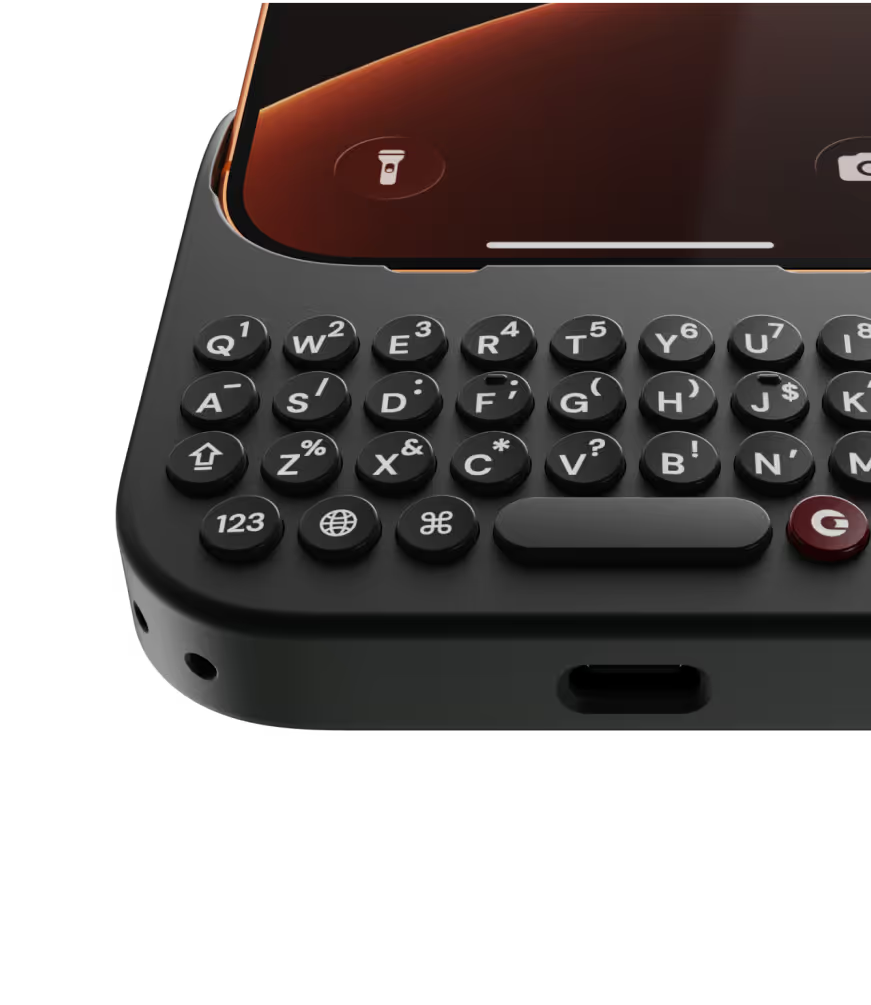
There are two sides to my experience with the Clicks keyboard: my own user experience and how others perceive it. Let me start with my own. As a former BlackBerry user and lifelong fan, I’ve always missed the tactile feel of a real physical keyboard on my phone. Clicks delivers beautifully on that nostalgia - the keys are high quality, backlit, and perfectly spaced, with a typing sensation that comes impressively close to a classic BlackBerry. The shortcuts are another fantastic feature. As someone who constantly switches between work apps (like Teams and Outlook) and personal apps, the ability to jump between them instantly is a huge productivity boost. And for those moments when you’d rather type silently, the on-screen keyboard pops up seamlessly. I absolutely love my Clicks keyboard, and after waiting over a year to snag one at a great price, it was worth every penny. Now, onto the public reaction - this thing is a total head-turner! Everywhere I’ve used it, across the UK, Qatar, Turkey, and Pakistan, people either stop me to ask what it is or glance curiously trying to figure it out. It’s always a fun conversation starter, especially with fellow tech enthusiasts; the vibe feels a lot like chatting with a car enthusiast about your custom mods. If you miss the days of physical keyboards, or just want a unique and productive upgrade to your iPhone experience, I couldn’t recommend this enough.
I love the ability to use a physical keyboard again. Easy to attach and detach as needed. The shortcuts are great. Love the backlight customization. Overall meets all my needs and gives me a break from purely digital world. Five stars.
Using the native iOS shortcuts and setting up custom ones in the Shortcuts is where the real power behind this accessory comes into play. It's also refreshing to have the entire display of my iPhone 15 Pro Max visible, instead of having a pop-up keyboard that consumes a third of the screen. I also hate the default iPhone keyboard, and find third party keyboards to be mostly an exercise in frustration. Lots of lessons have been learned in the process, and the folks at Clicks truly brought their expertise and attention to detail with the design and build of the Clicks Keyboard. It is now an essential accessory for me, and I continue to figure out ways to make it better on a regular basis. If you miss the physical keyboard on devices like the Blackberry, this accessory is well worth the cost.